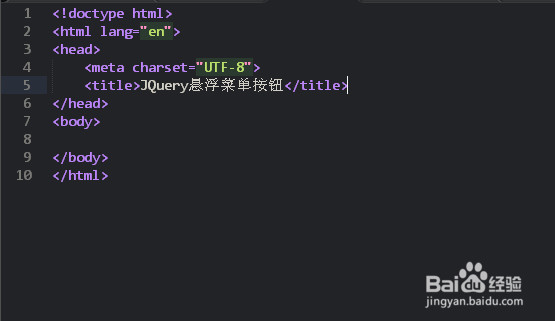
1、新建一个HTML的基础页面
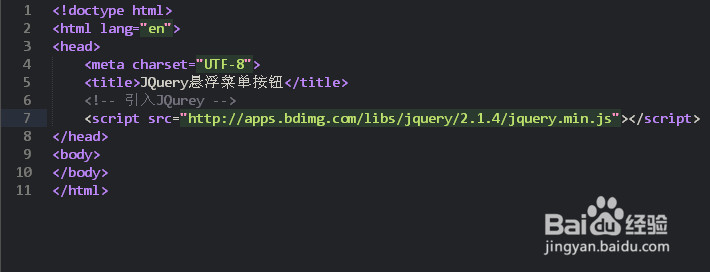
2、引入JQuery
<script src="jquery.min.js"></script>
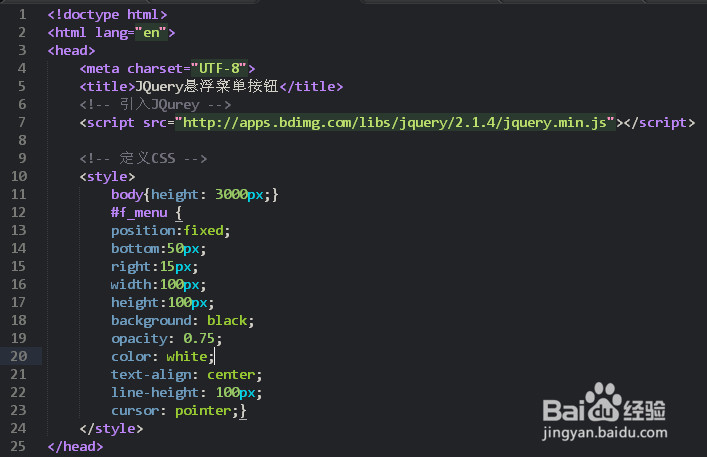
3、定义一个内部的CSS
<style> body{height: 3000px;} #f_menu { position:fixed; bottom:50px; right:15px; width:100px; height:100px; background: black; opacity: 0.75; color: white; text-align: center; line-height: 100px; cursor: pointer;} </style>
4、定义一个按钮,并定义JQuery方法
<div id="f_menu">Up</div><script>$(document).ready(function(){ $("#f_menu").hover(function(){ $(this).text("返回顶部"); });});
</script>

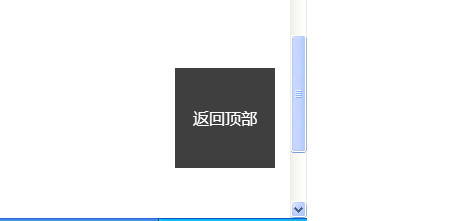
5、最终在浏览器预览效果,按钮悬浮位置不变,当光标经过悬浮区域时,发生变化