1、win+R运行“ regedit ”,打开注册表

2、找到
HKEY_LOCAL_MACHINE\SOFTWARE\Microsoft\Windows NT\CurrentVersion\Image File Execution Options\OSppSvc.exe

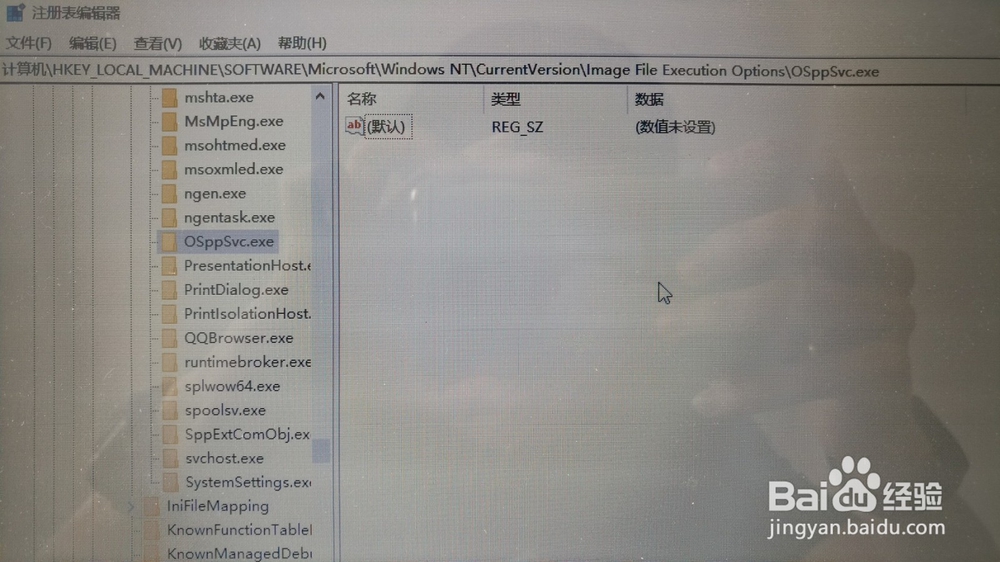
3、删除里面的Debugger键,删除后如下图
4、回到安装窗口选择“重试”,继续安装

1、win+R运行“ regedit ”,打开注册表
2、找到
HKEY_LOCAL_MACHINE\SOFTWARE\Microsoft\Windows NT\CurrentVersion\Image File Execution Options\OSppSvc.exe
3、删除里面的Debugger键,删除后如下图
4、回到安装窗口选择“重试”,继续安装