Powerpoint中段落如何转换为Smart图形?

时间:2026-02-16 03:35:42

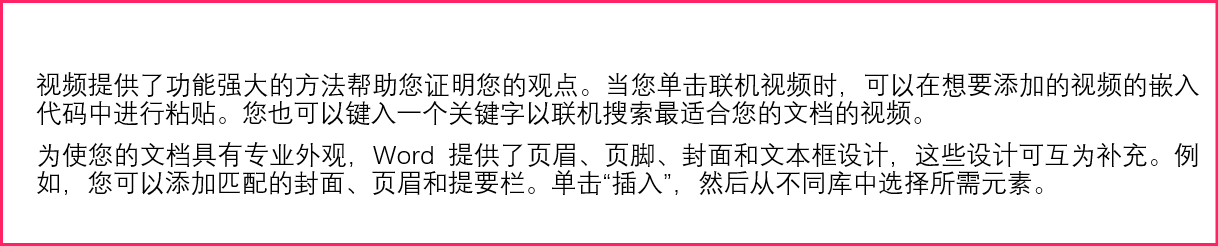
1、在Powerpoint中插入两段普通文本。

Powerpoint中段落如何转换为Smart图形?

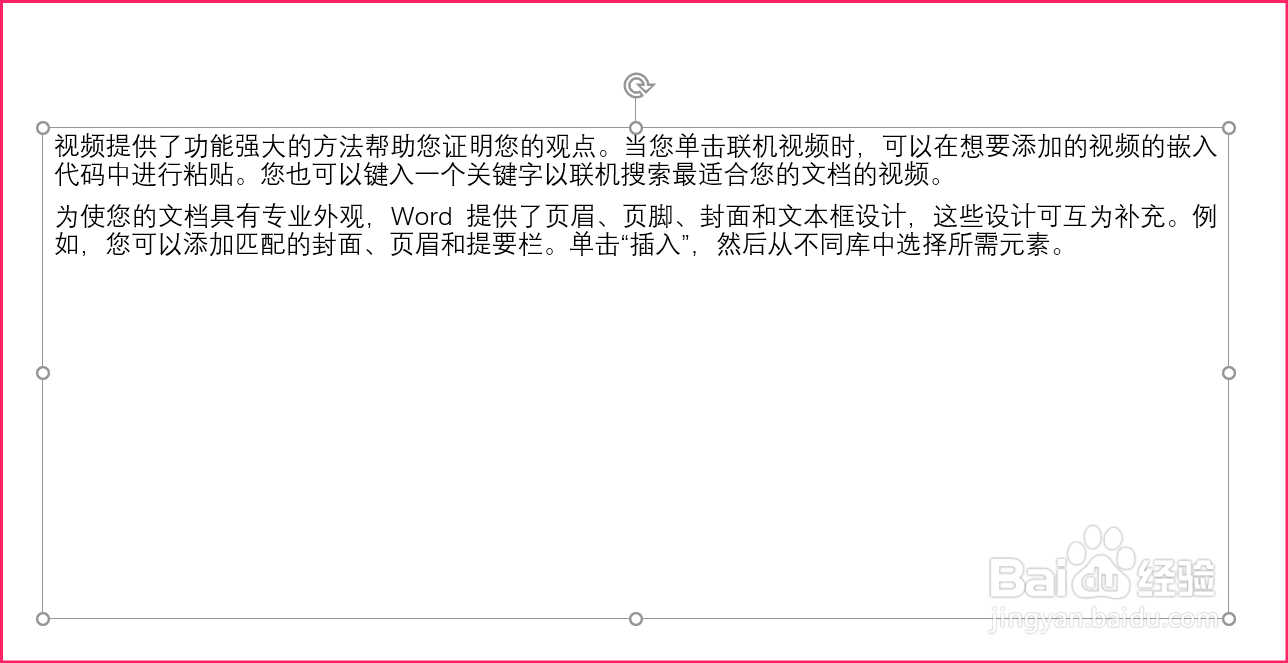
2、选中段落。

Powerpoint中段落如何转换为Smart图形?

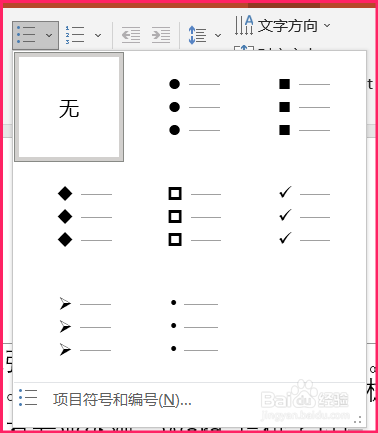
3、在上方项目符号和列表中选择样式。

Powerpoint中段落如何转换为Smart图形?

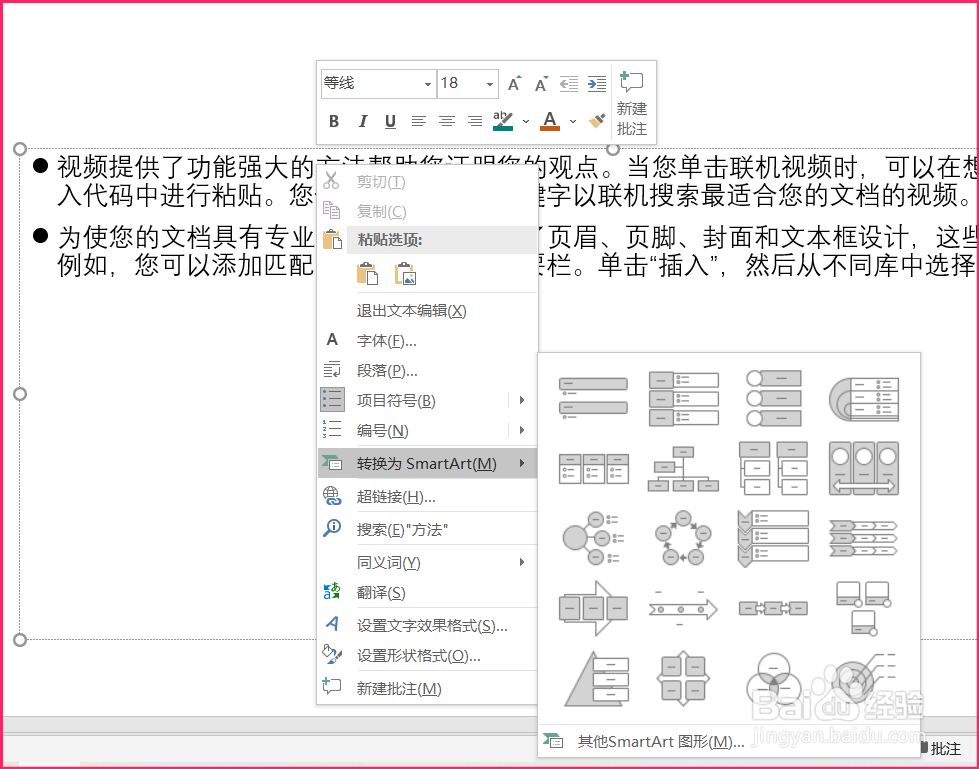
4、在设置过样式的段落中右键单击,选择转换为smart图形,并选择Smart样式。

Powerpoint中段落如何转换为Smart图形?

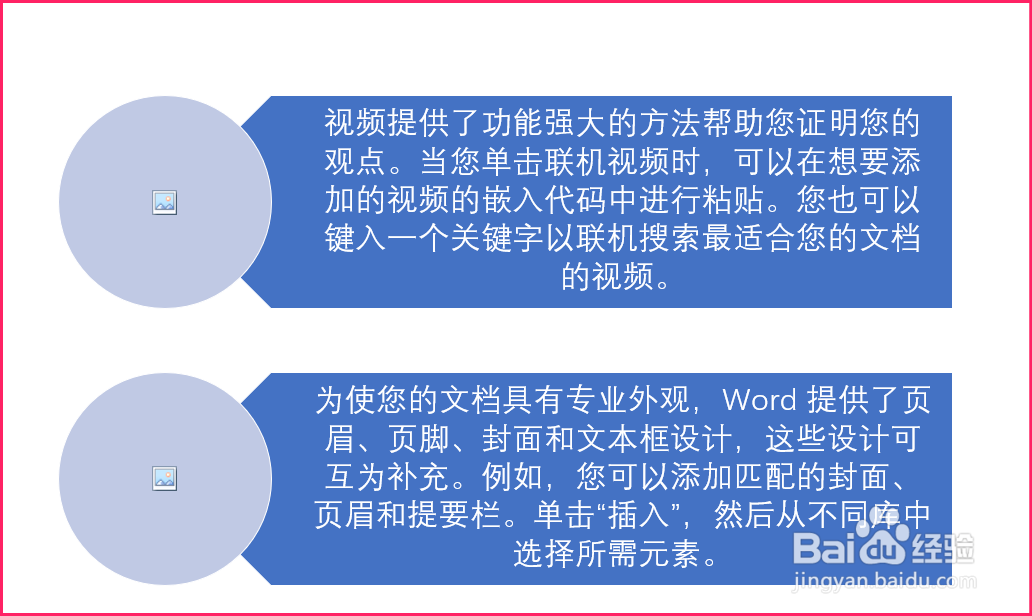
5、段落就转换为Smart图形了。

Powerpoint中段落如何转换为Smart图形?

© 2026 五度知识库
信息来自网络 所有数据仅供参考
有疑问请联系站长 site.kefu@gmail.com