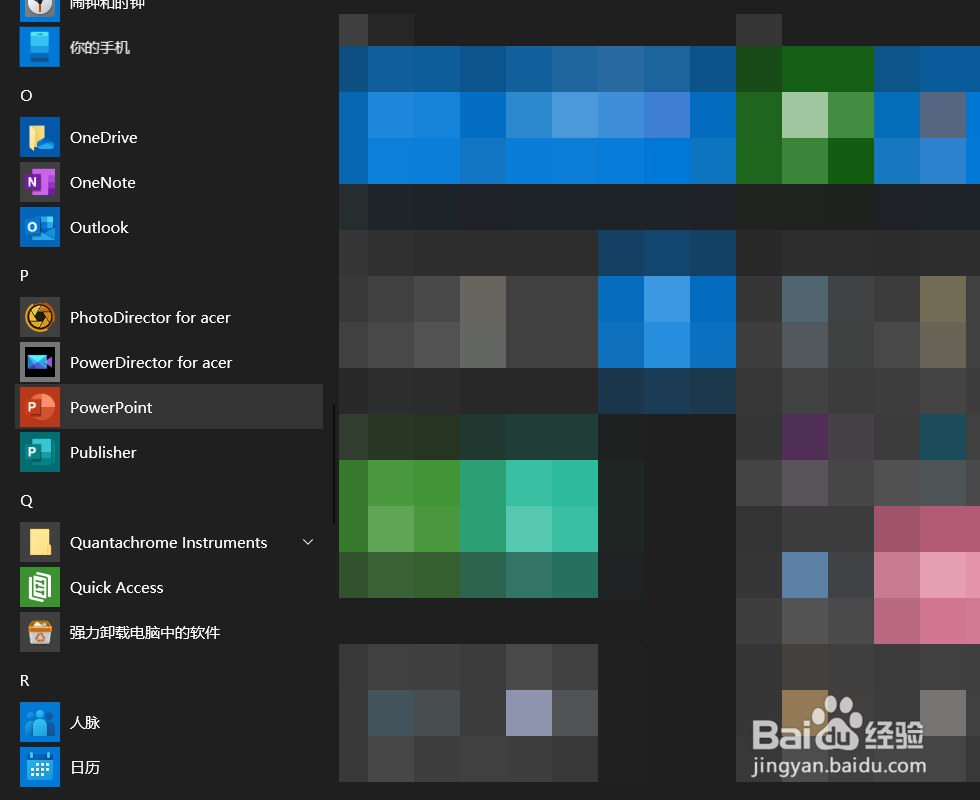
1、打开电脑,打开PowerPoint 2019。
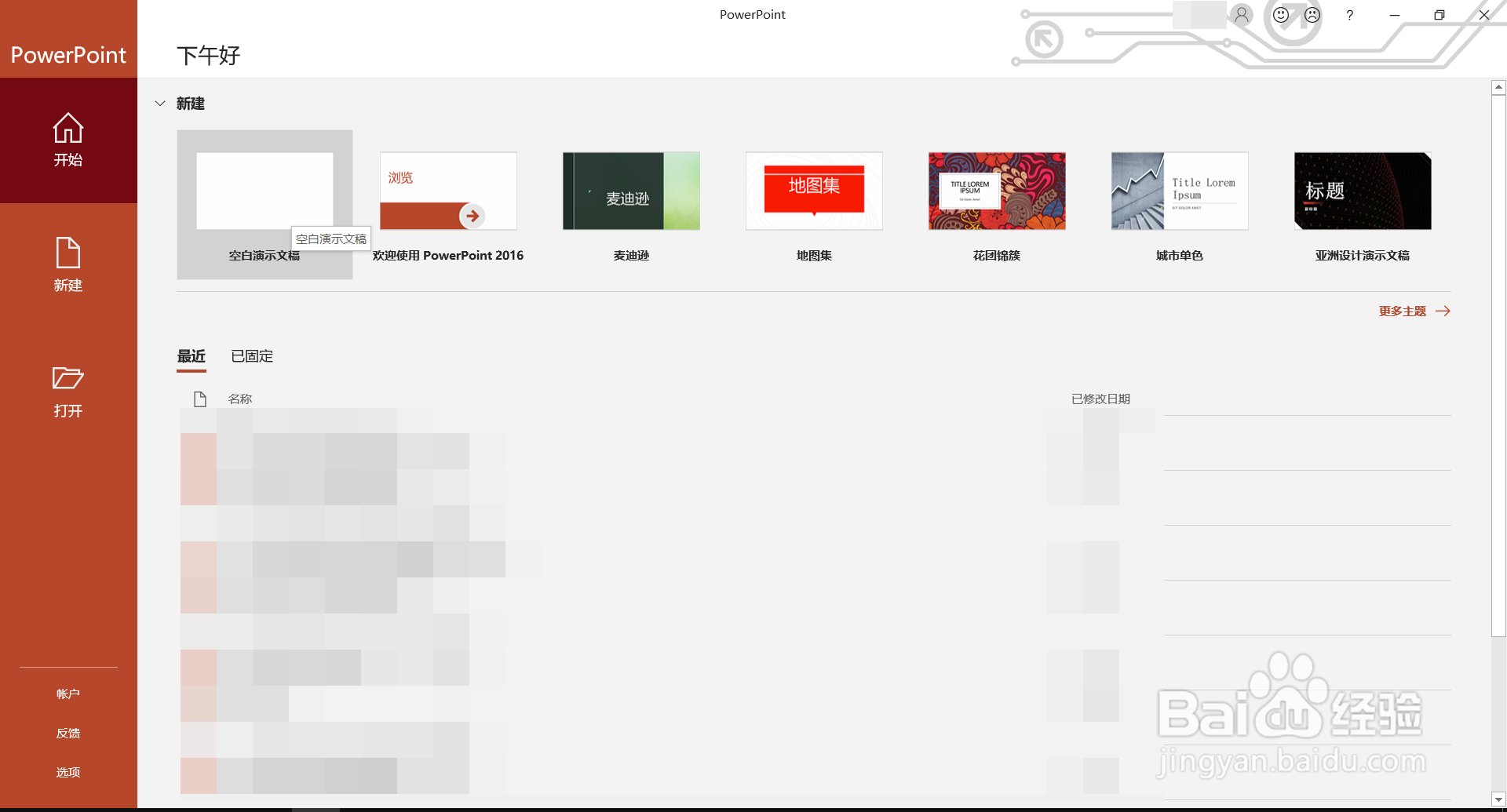
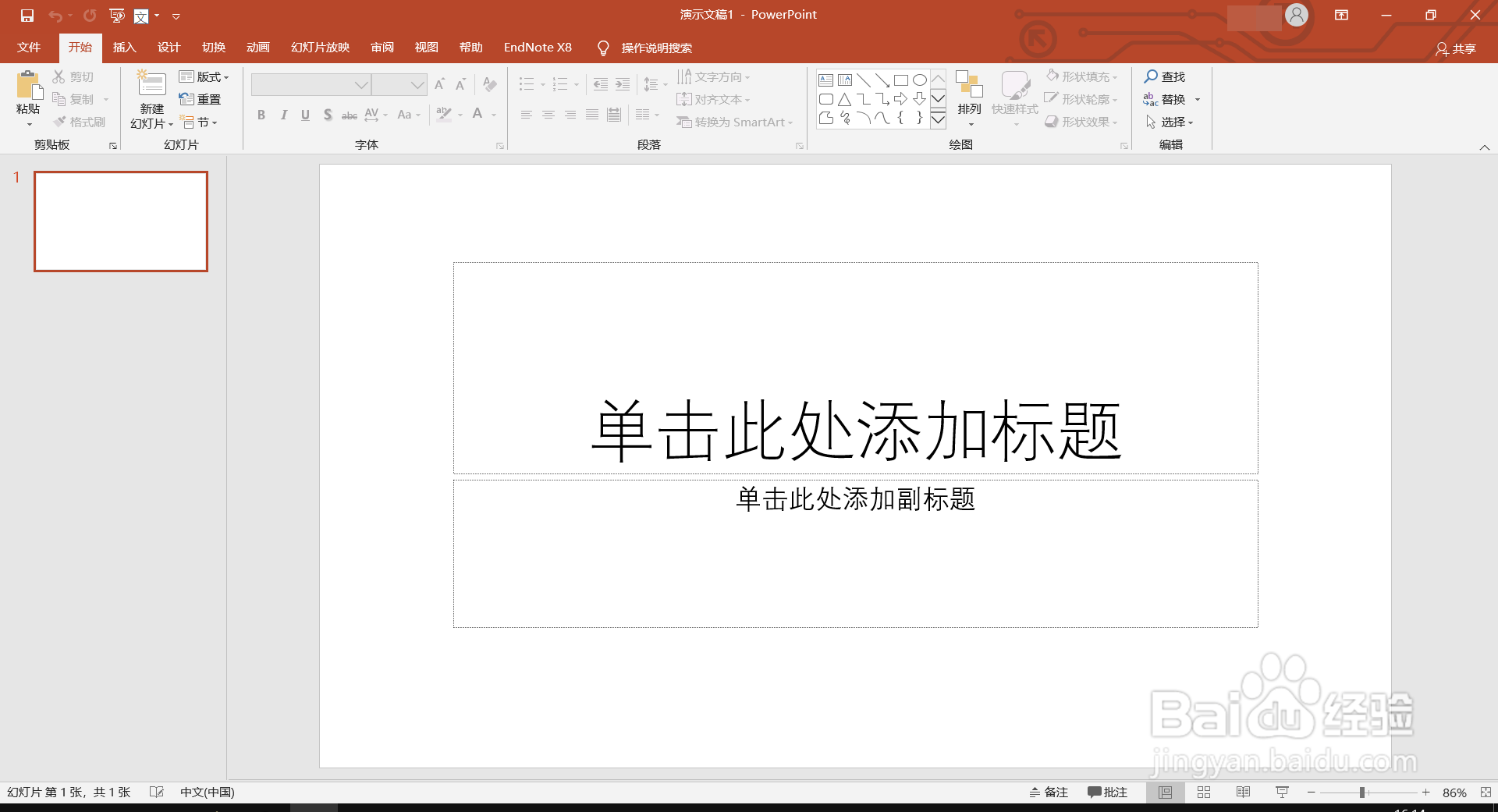
2、新建一个空白演示文稿。
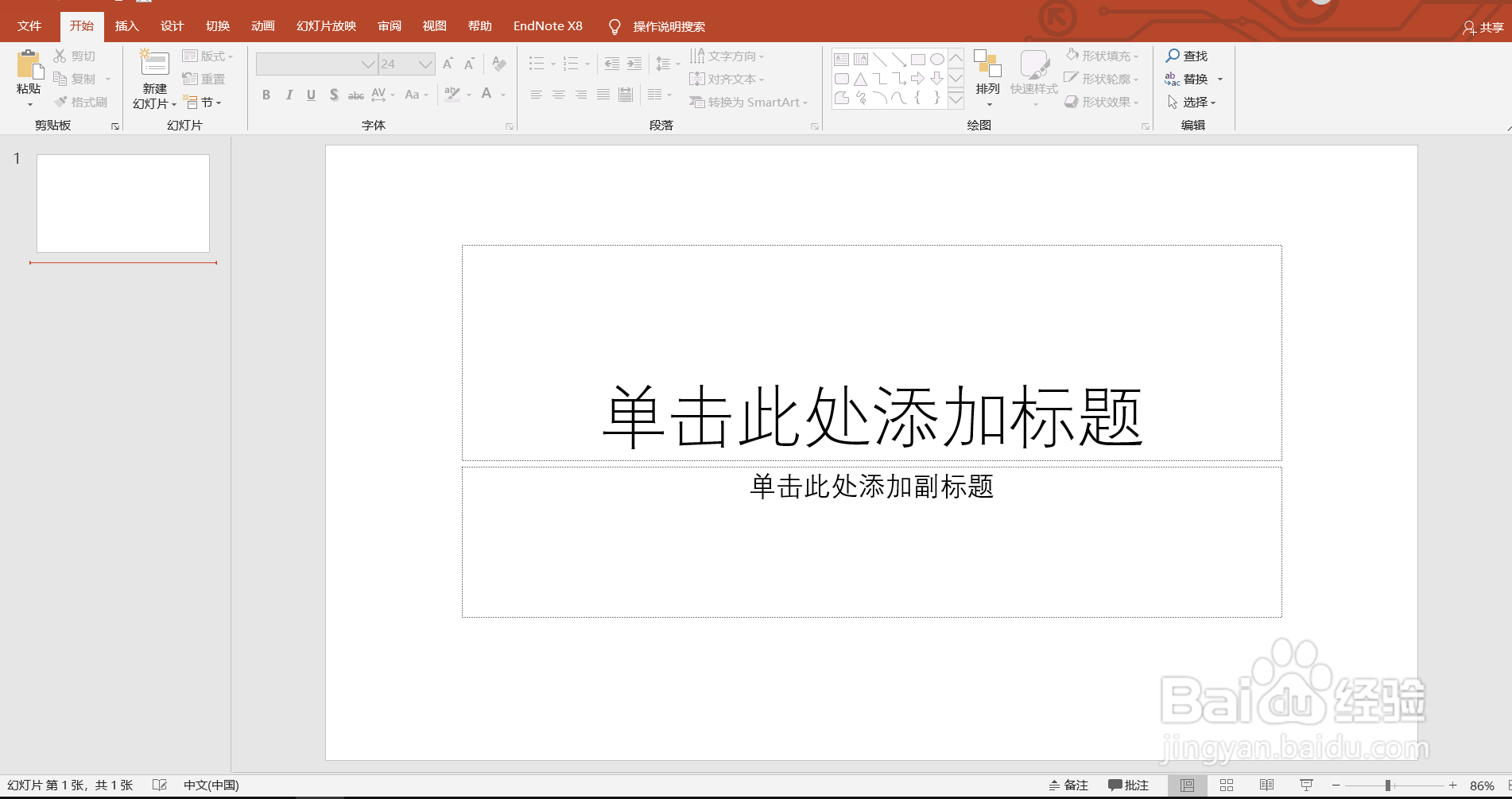
3、光标定位到文本框,功能区:插入——符号——公式。
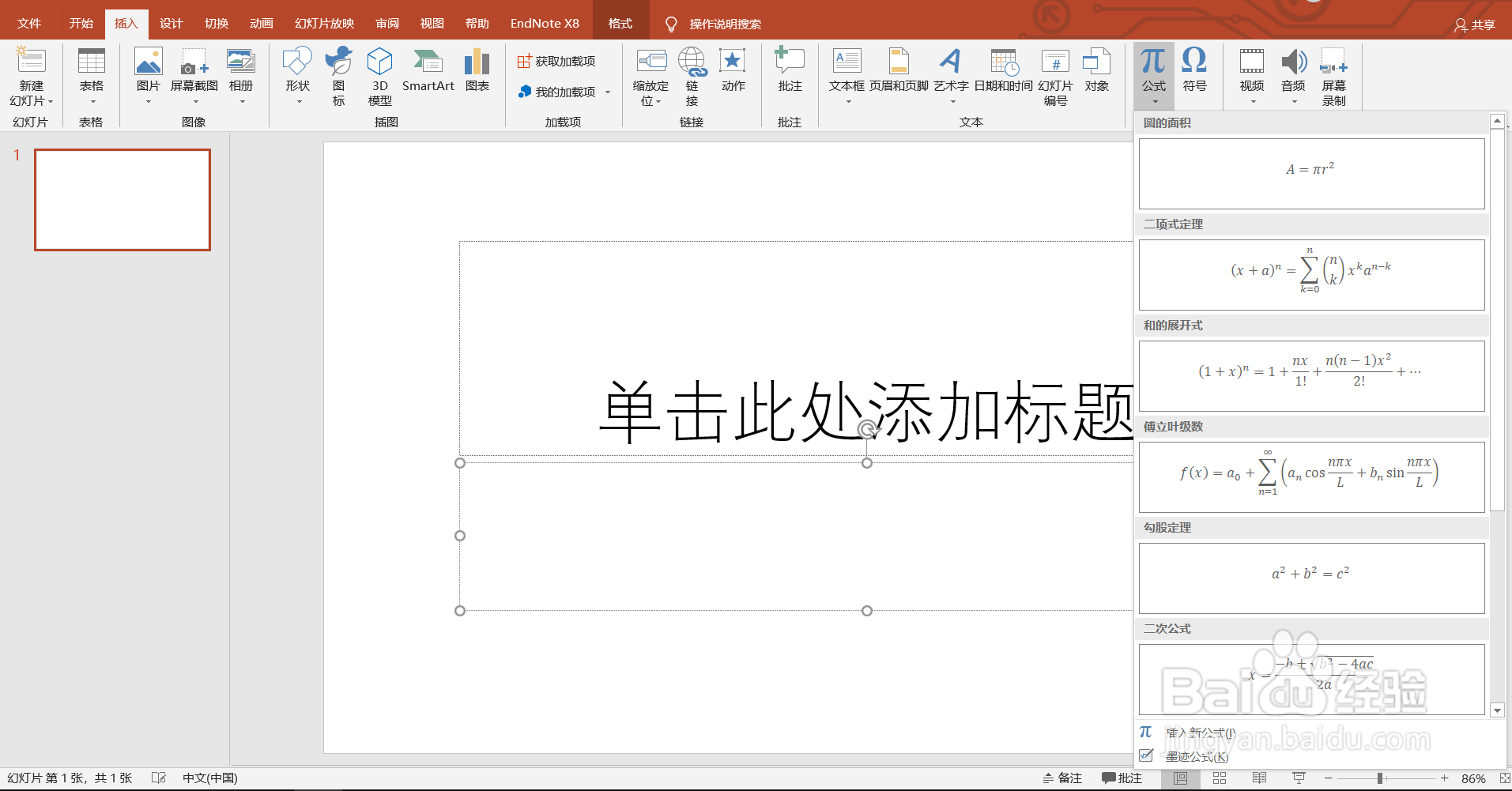
4、点击插入新公式,显示在此处键入公式。
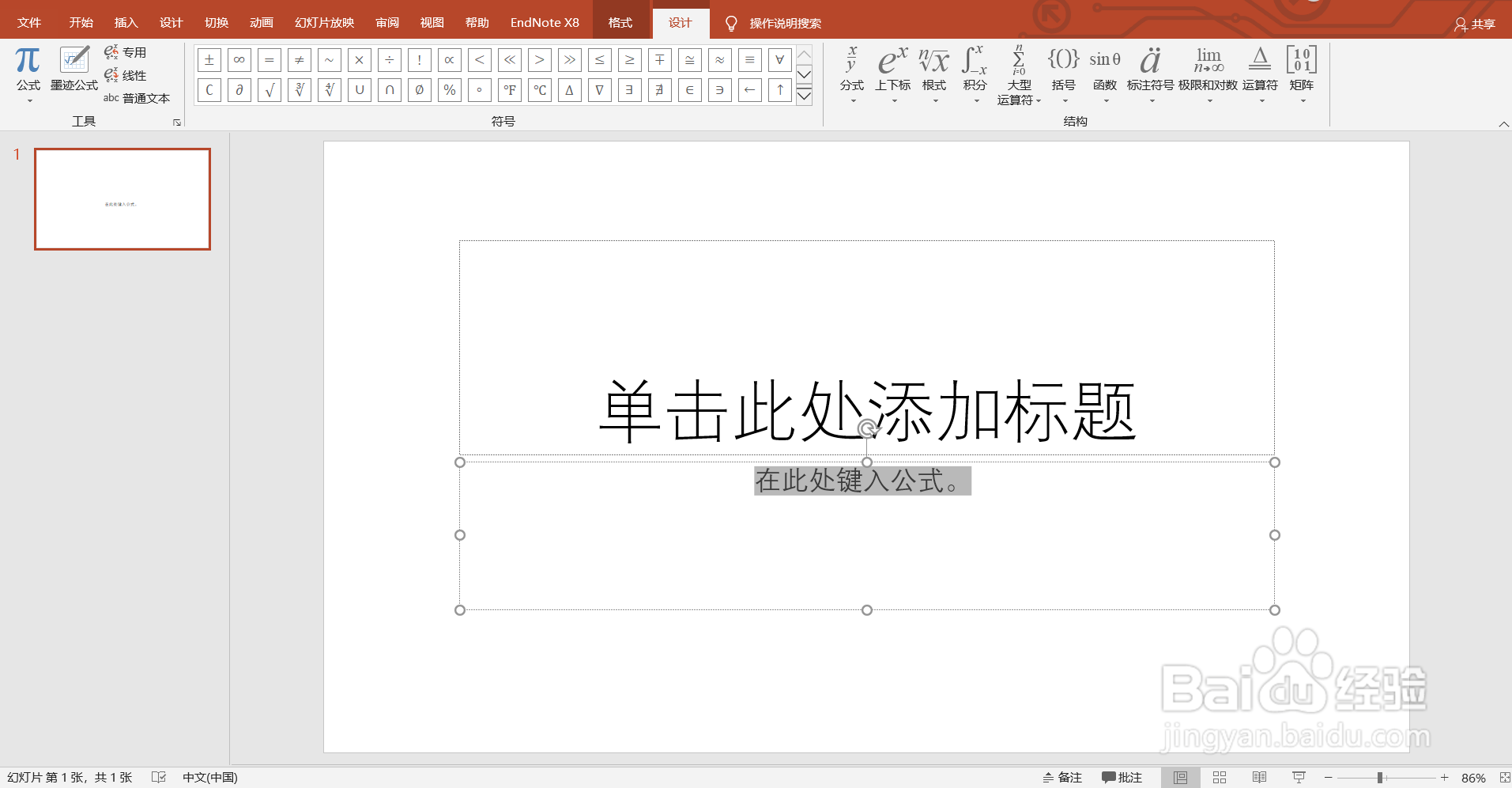
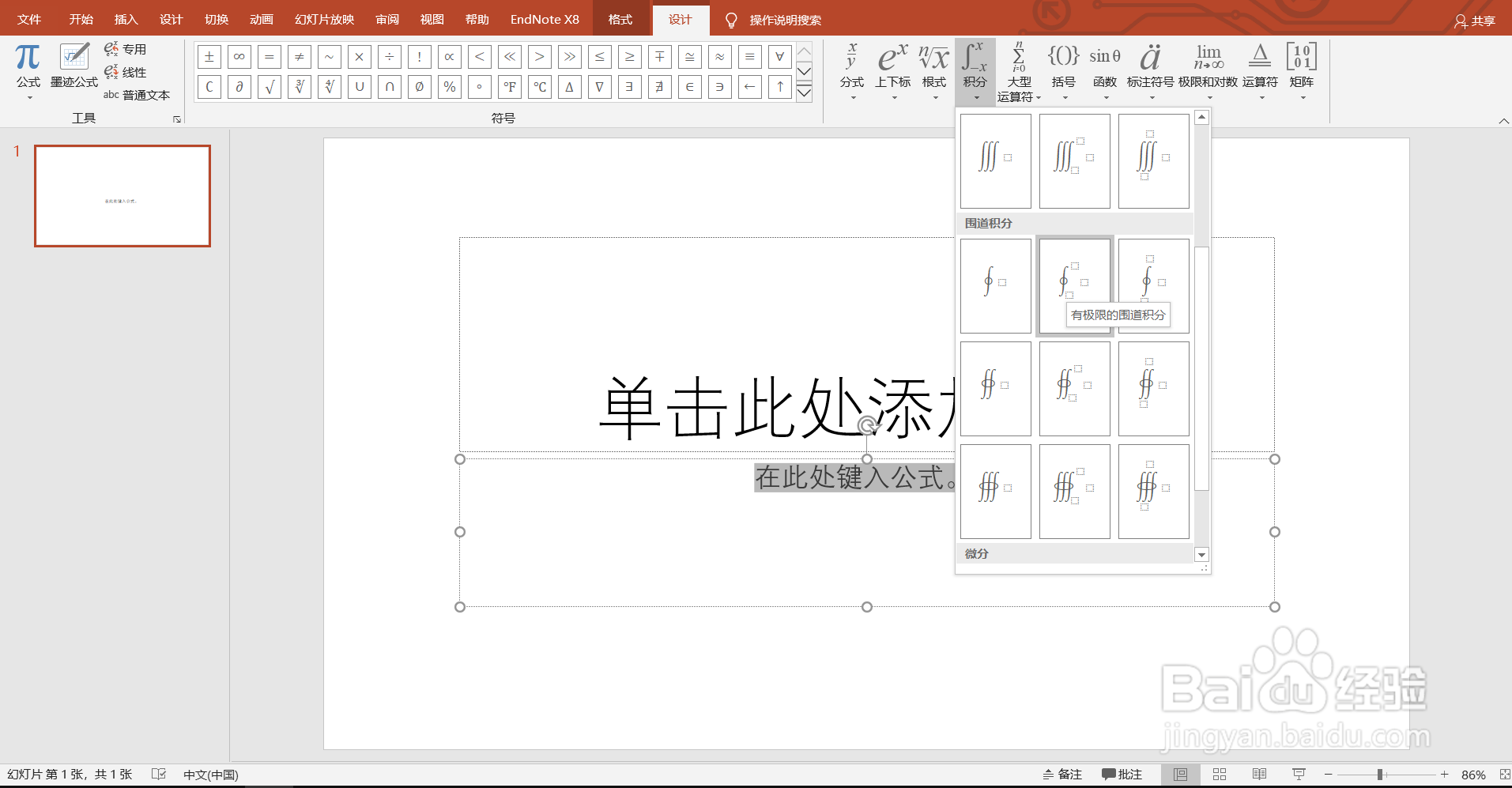
5、在右上方有大量的公式特殊符号,点击积分,向下拖选并点击一个围道积分样式便能插入。
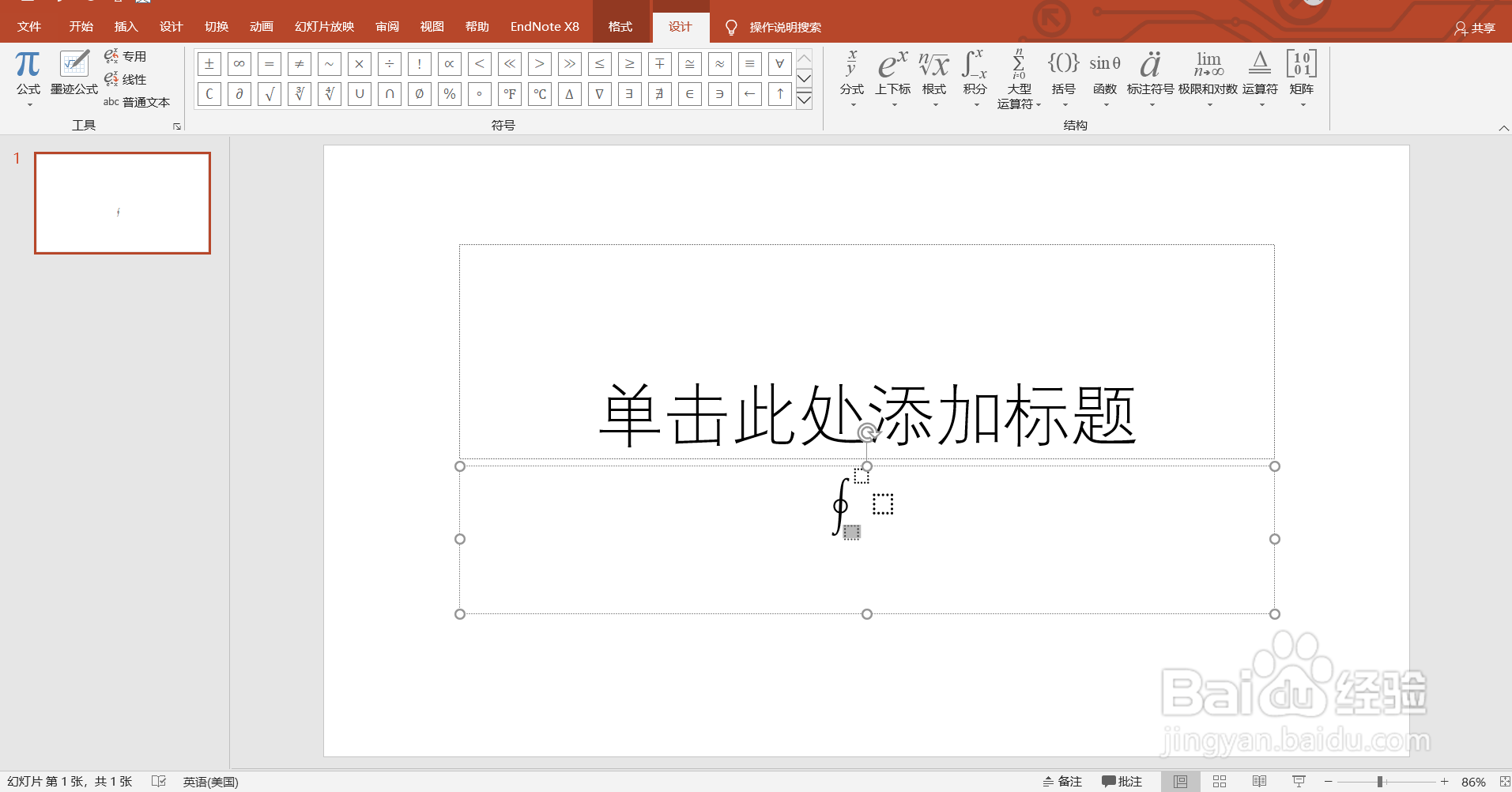
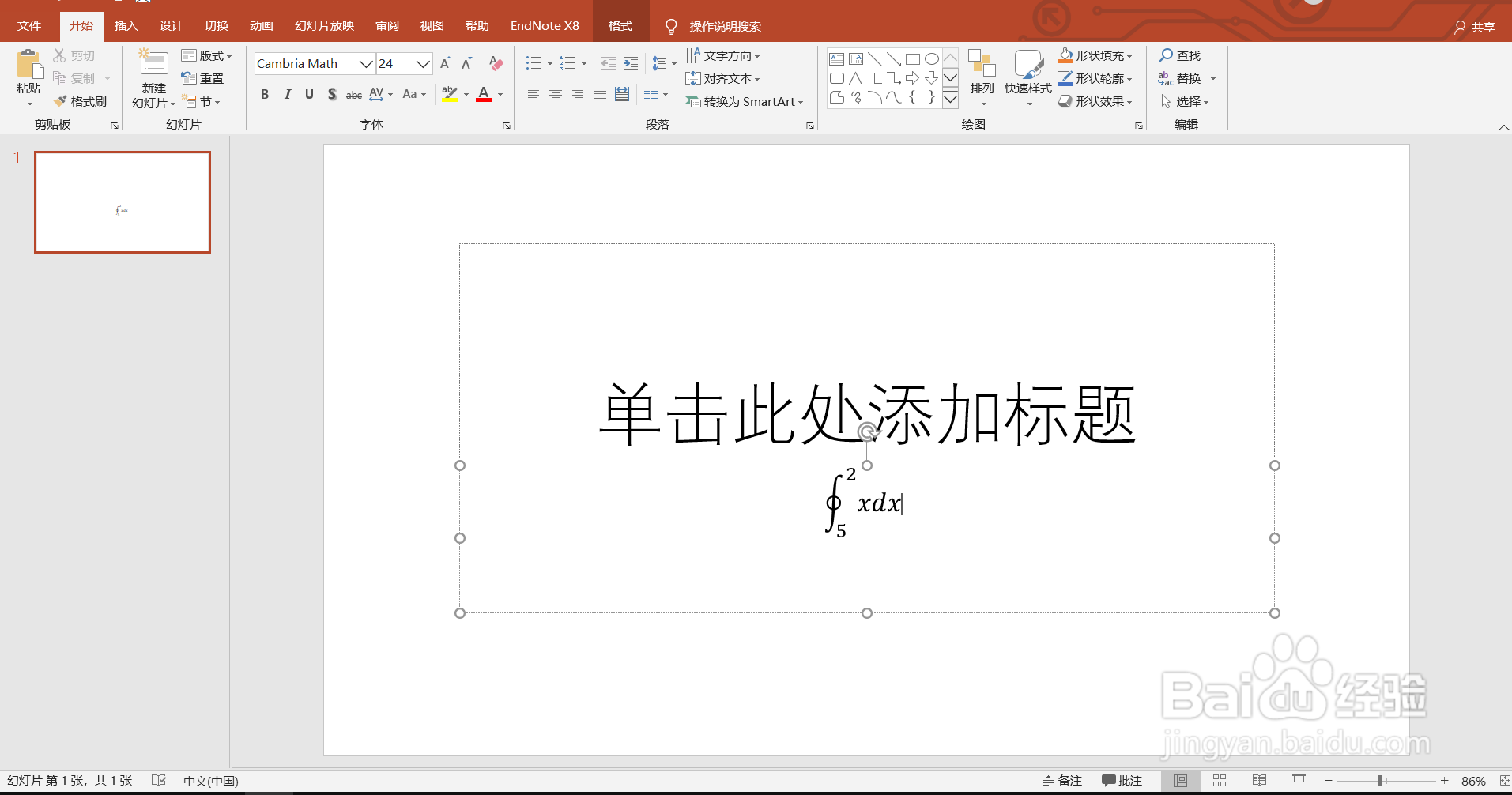
6、对插入的公式进行编辑即可。
1、打开电脑,打开PowerPoint 2019。
2、新建一个空白演示文稿。
3、光标定位到文本框,功能区:插入——符号——公式。
4、点击插入新公式,显示在此处键入公式。
5、在右上方有大量的公式特殊符号,点击积分,向下拖选并点击一个围道积分样式便能插入。
6、对插入的公式进行编辑即可。