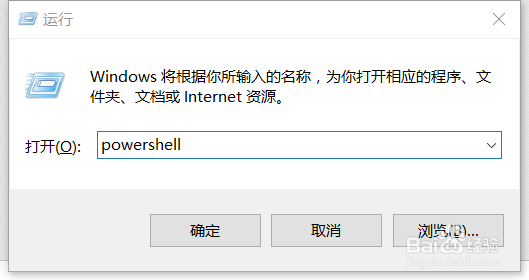
1、按windows+R输入powershell回车进入Windows PowerShell
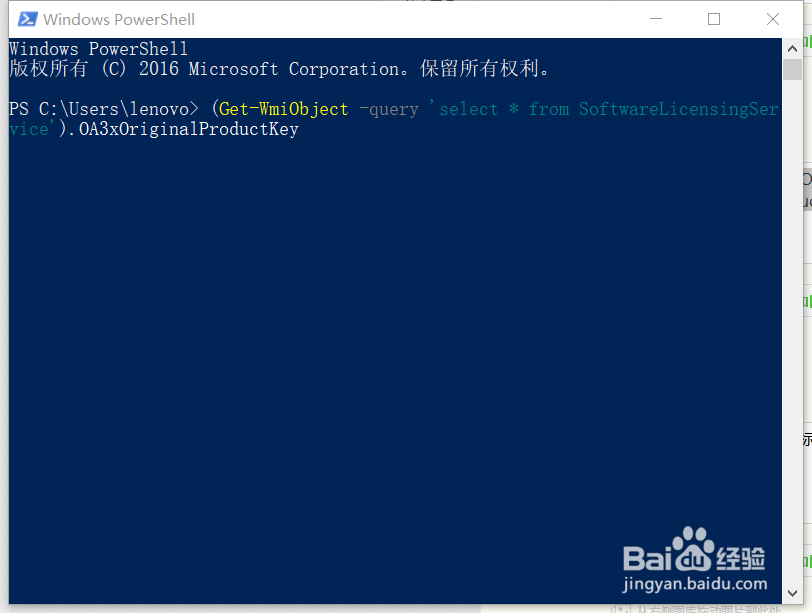
2、复制这串代码 (Get-WmiObject -query 'select * from SoftwareLicensingService').OA3xOriginalProductKey 在powershell窗口中,按Ctrl+V即可粘贴上,然后回车一下
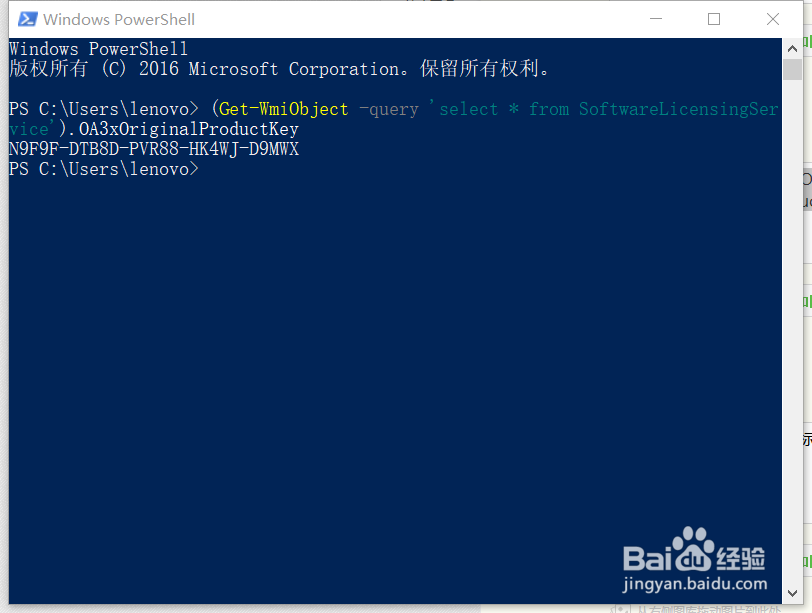
3、等待几秒后,会显示出OEM的产品密钥出来,把密钥记录下来
1、按windows+R输入powershell回车进入Windows PowerShell
2、复制这串代码 (Get-WmiObject -query 'select * from SoftwareLicensingService').OA3xOriginalProductKey 在powershell窗口中,按Ctrl+V即可粘贴上,然后回车一下
3、等待几秒后,会显示出OEM的产品密钥出来,把密钥记录下来