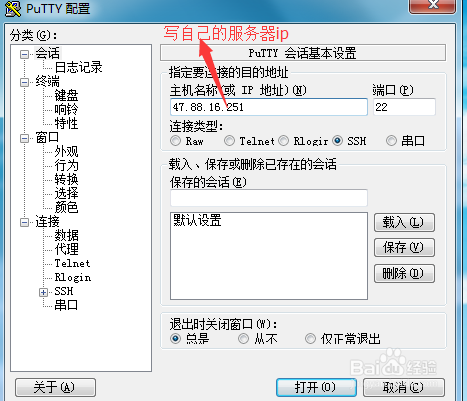
1、首先先用putty.exe这个软件链接服务(其他的链接工具也可以)
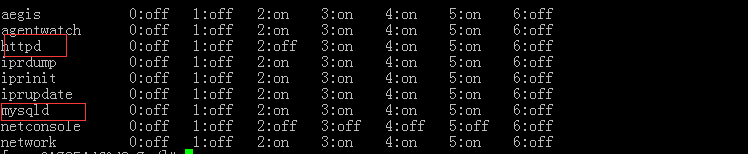
2、linux 用这个命令chkconfig --list查看各项服务的状况:(如图所示) (当然我这个是没有把apache和mysql加进去的)

3、下面还是用这个命令chkconfig --add httpd 把apache加入进去

4、在设置开机启动时,添加httpd如果遇到提示
service httpd does not support chkconfig
vi /etc/init.d/httpd 编辑这个文件
在在#!/bin/sh后面加入下面两行#chkconfig:345 85 15#description: Start and stops the Apache HTTP Server.
然后在执行chkconfig --add httpd这个命令就可以啦
mysql和apache同理
最后重新启动一下 ok啦