Windows和Office密钥检测工具VAMT 3.1下载安装

时间:2026-02-15 20:10:12

1、官方下载:http://去掉我www.哦microsoft.com/zh-cn/download/confirmation.aspx?id=39982[大小:1.4MB]

2、双击“adksetup.exe”,请保证网络连接正常。

Windows和Office密钥检测工具VAMT 3.1下载安装

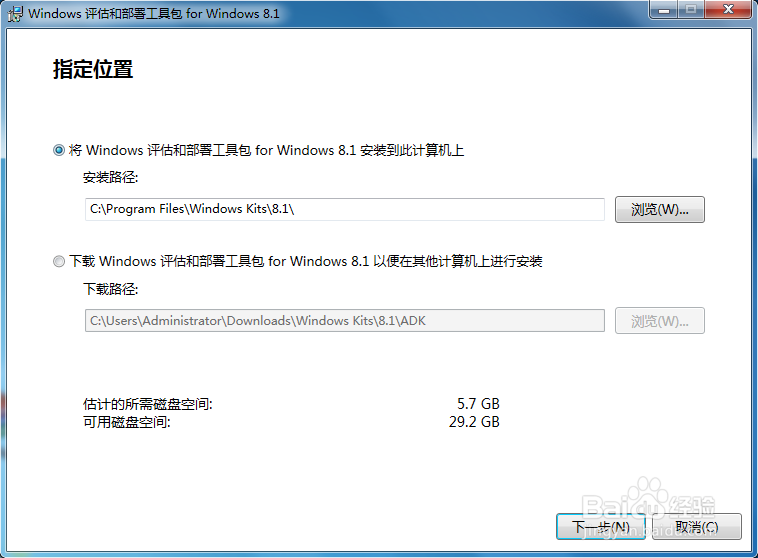
3、保持默认,直接点“下一步”

Windows和Office密钥检测工具VAMT 3.1下载安装

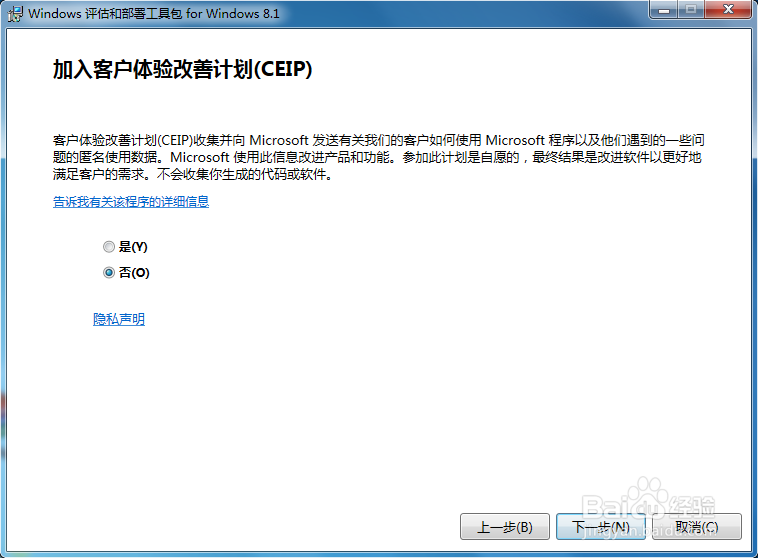
4、保持默认,直接点“下一步”

Windows和Office密钥检测工具VAMT 3.1下载安装

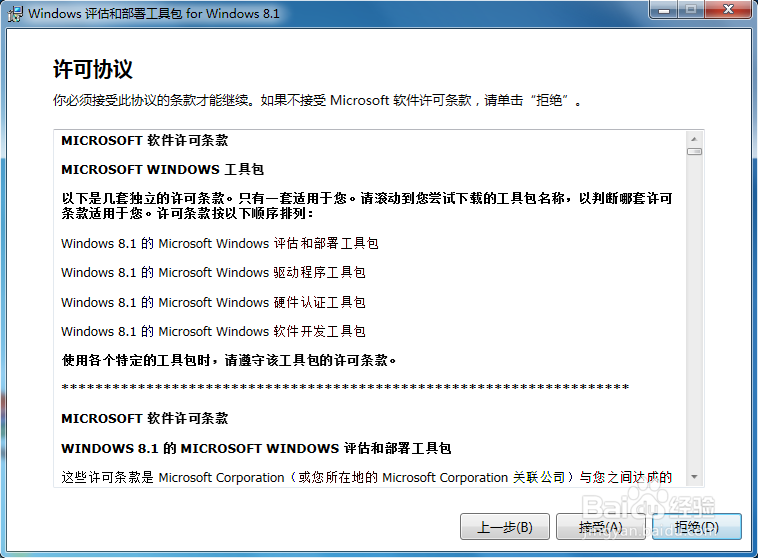
5、点击“接受”

Windows和Office密钥检测工具VAMT 3.1下载安装

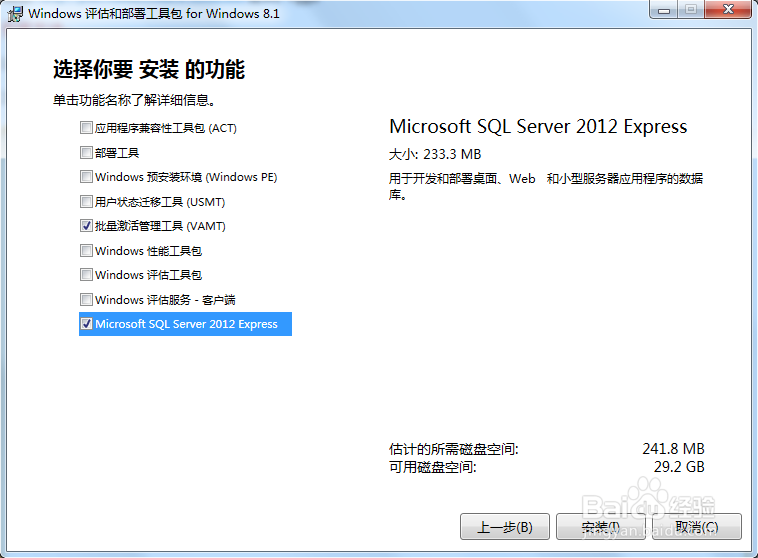
6、选择“批量激活管理工具”和"Microsoft Server 2012 Express"
Windows和Office密钥检测工具VAMT 3.1下载安装

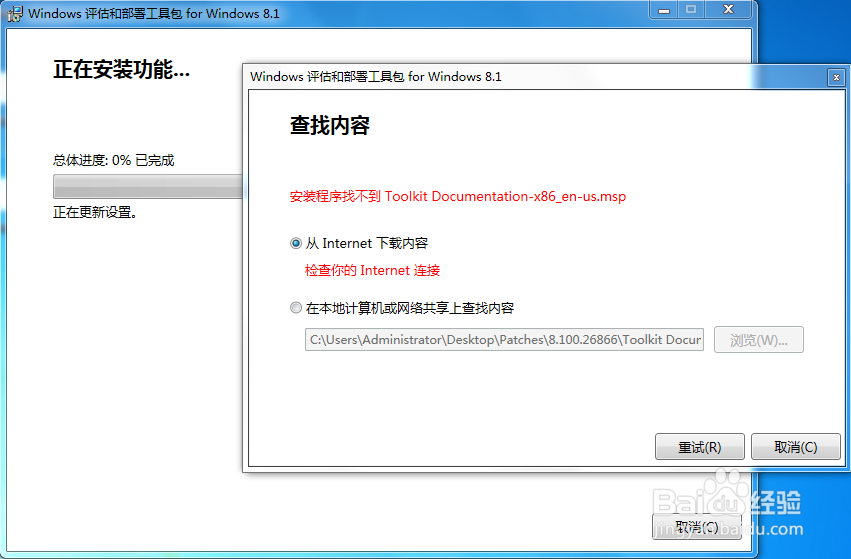
7、如果有弹窗出现,请选择“重试”

Windows和Office密钥检测工具VAMT 3.1下载安装

Windows和Office密钥检测工具VAMT 3.1下载安装

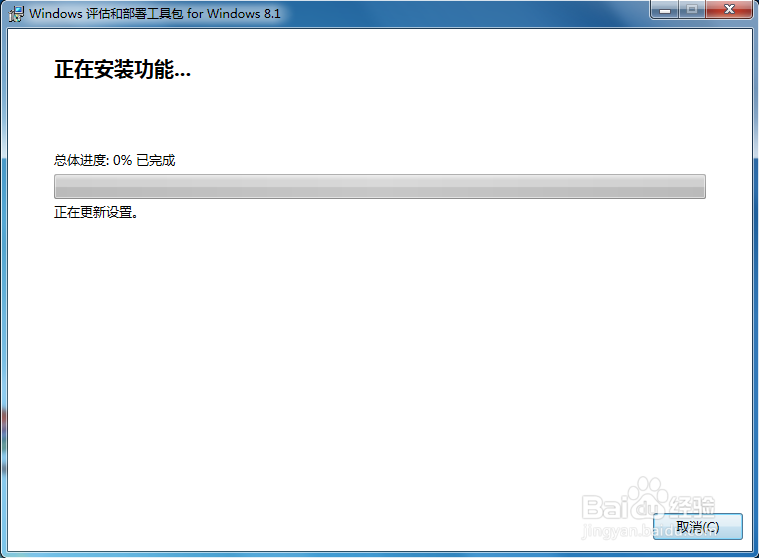
8、安装过程耗时较长,可以先出去跑3个800米~

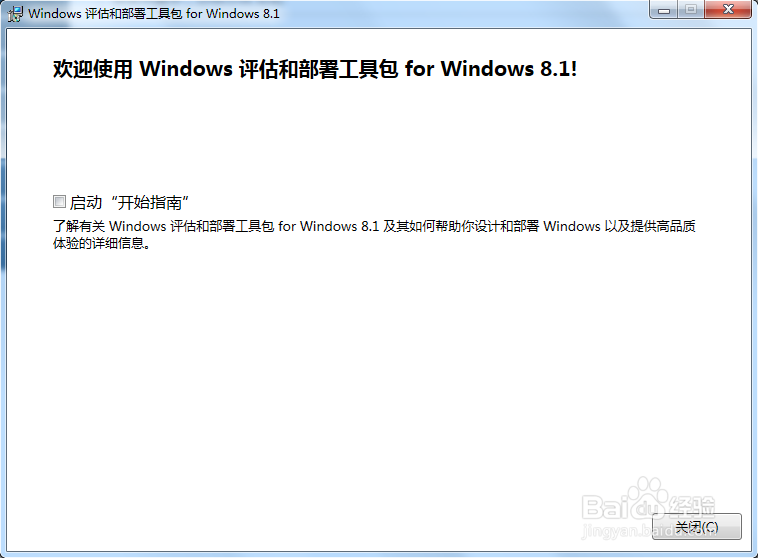
9、安装完毕

Windows和Office密钥检测工具VAMT 3.1下载安装

10、请关注我的下一篇经验:Windows和Office密钥检测工具VAMT 3.1使用方法

© 2026 五度知识库
信息来自网络 所有数据仅供参考
有疑问请联系站长 site.kefu@gmail.com