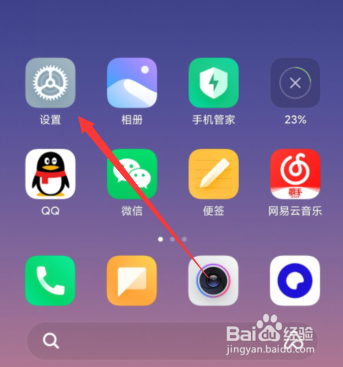
1、打开设置,如图所示
Open the Settings, as shown in the figure
2、点击“声音与振动”,如图所示
Click "sound and vibration", as shown in the picture

3、点击“静音/勿扰”,如图所示
Click "mute/do not disturb", as shown

4、点击“勿扰”,如图所示
Click "do not disturb", as shown

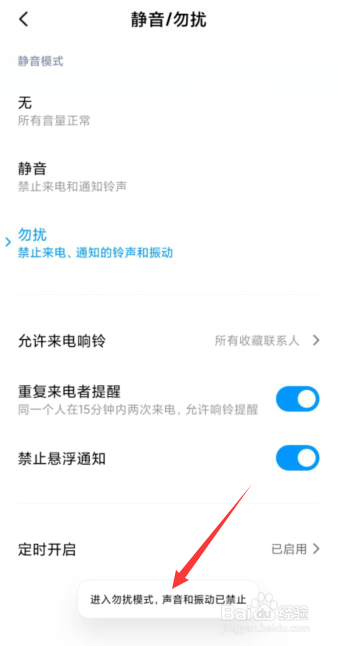
5、勿扰模式成功打开。
Do not disturb mode successfully turned on.