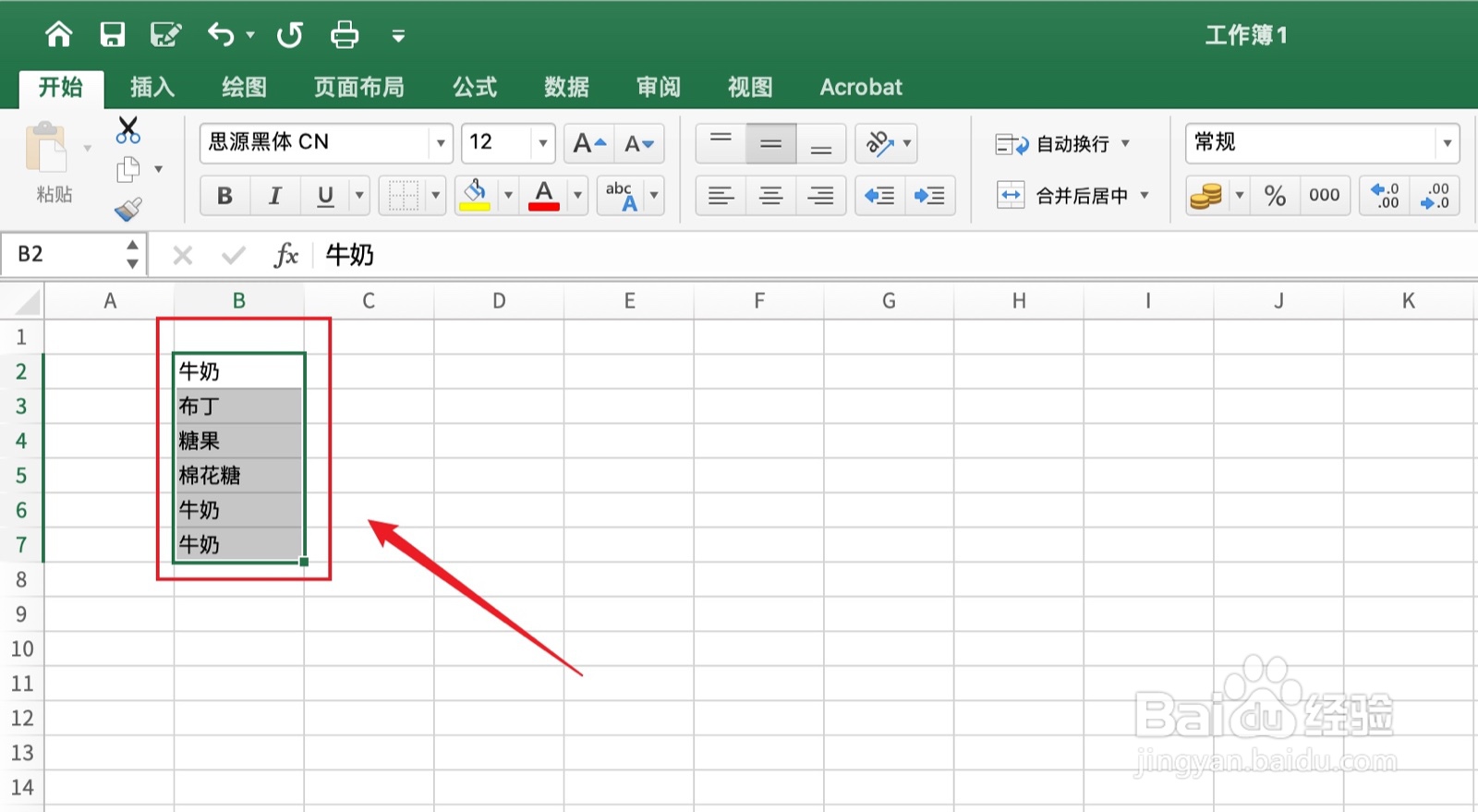
1、框选单元格
框选需要的单元格。
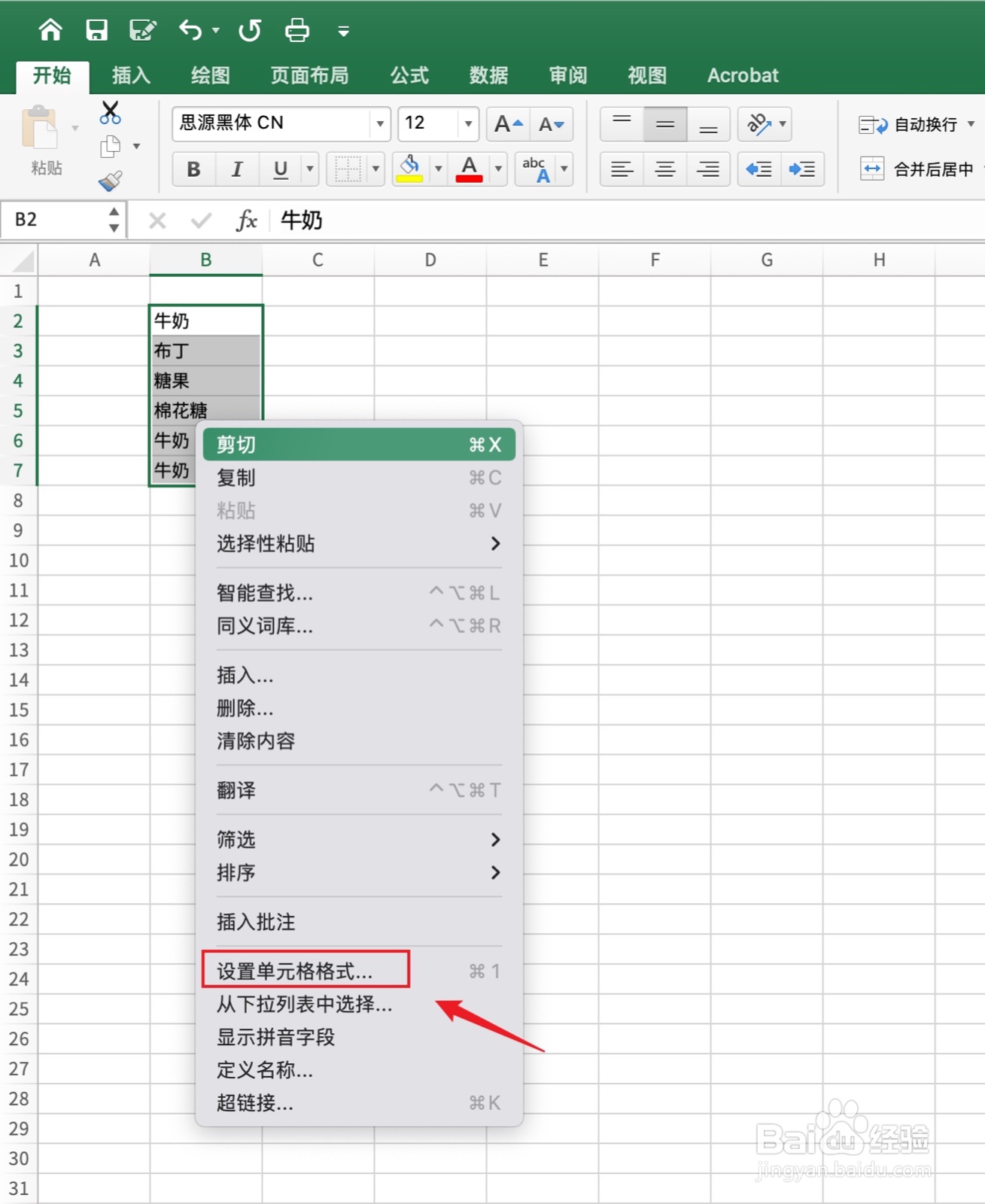
2、点击设置单元格格式
用鼠标右键点击下面的【设置单元格格式】。
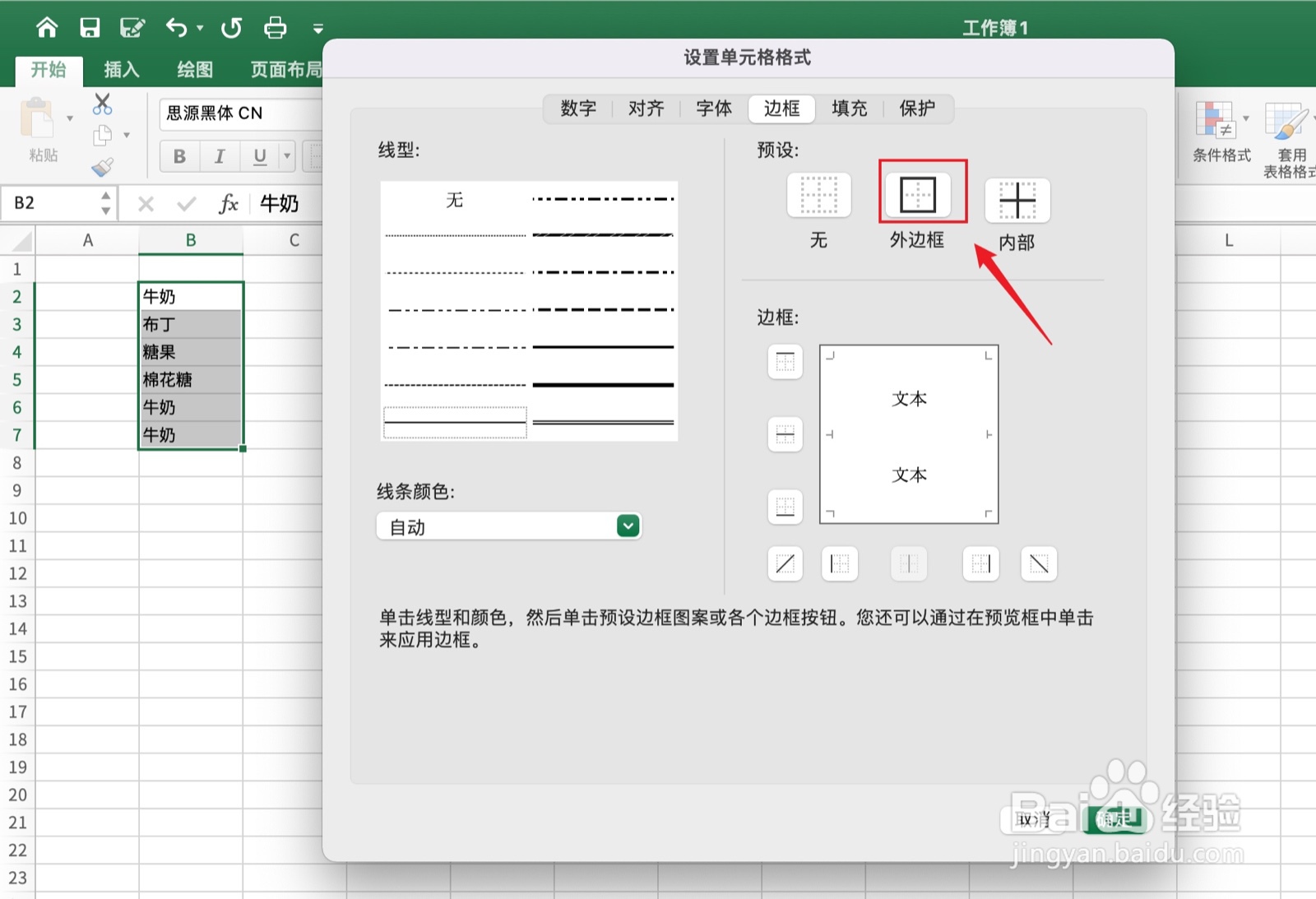
3、点击边框
点击上面的【边框】。

4、点击外边框
点击上面的【外边框】。
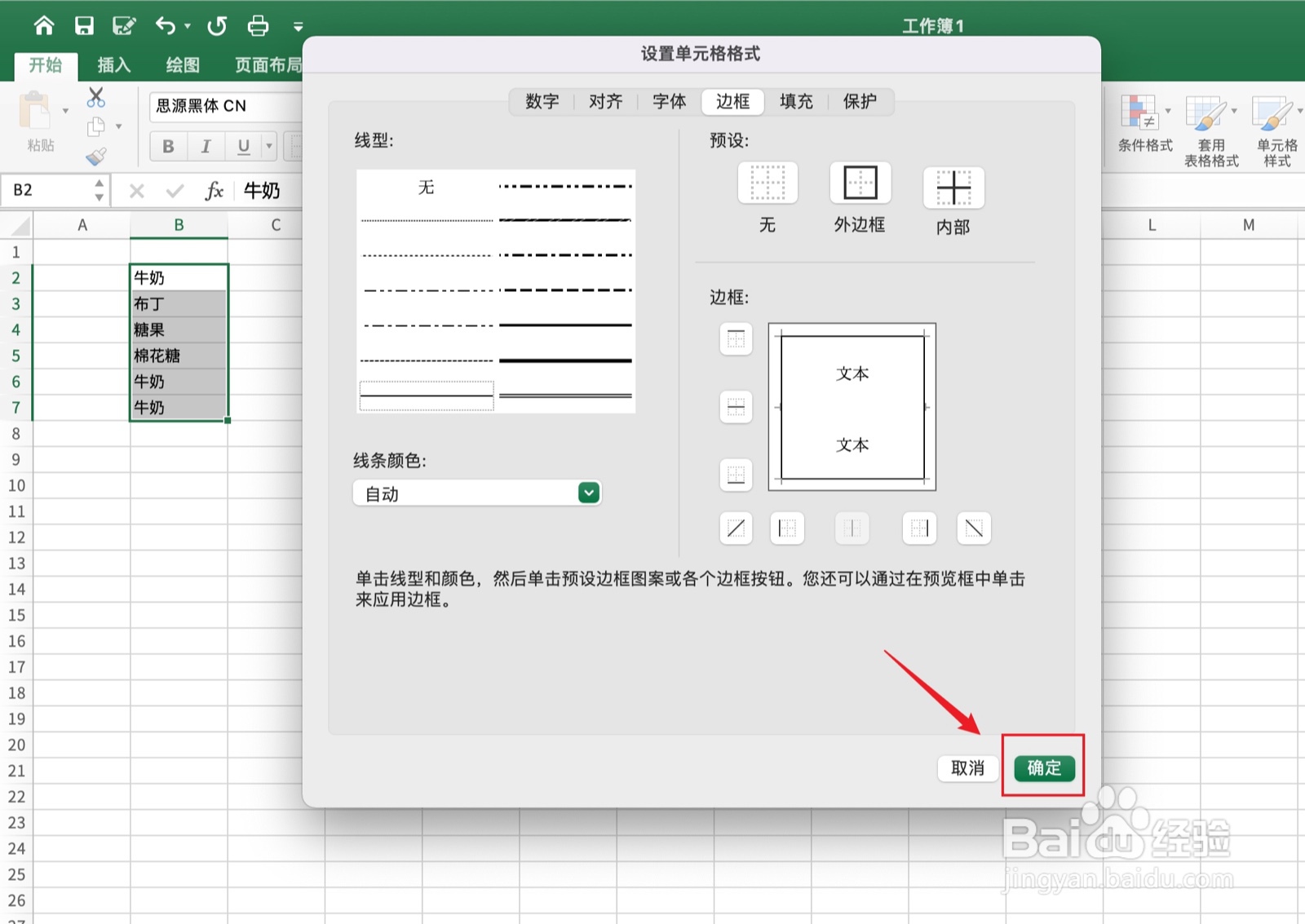
5、点击确定
点击右下角的【确定】。
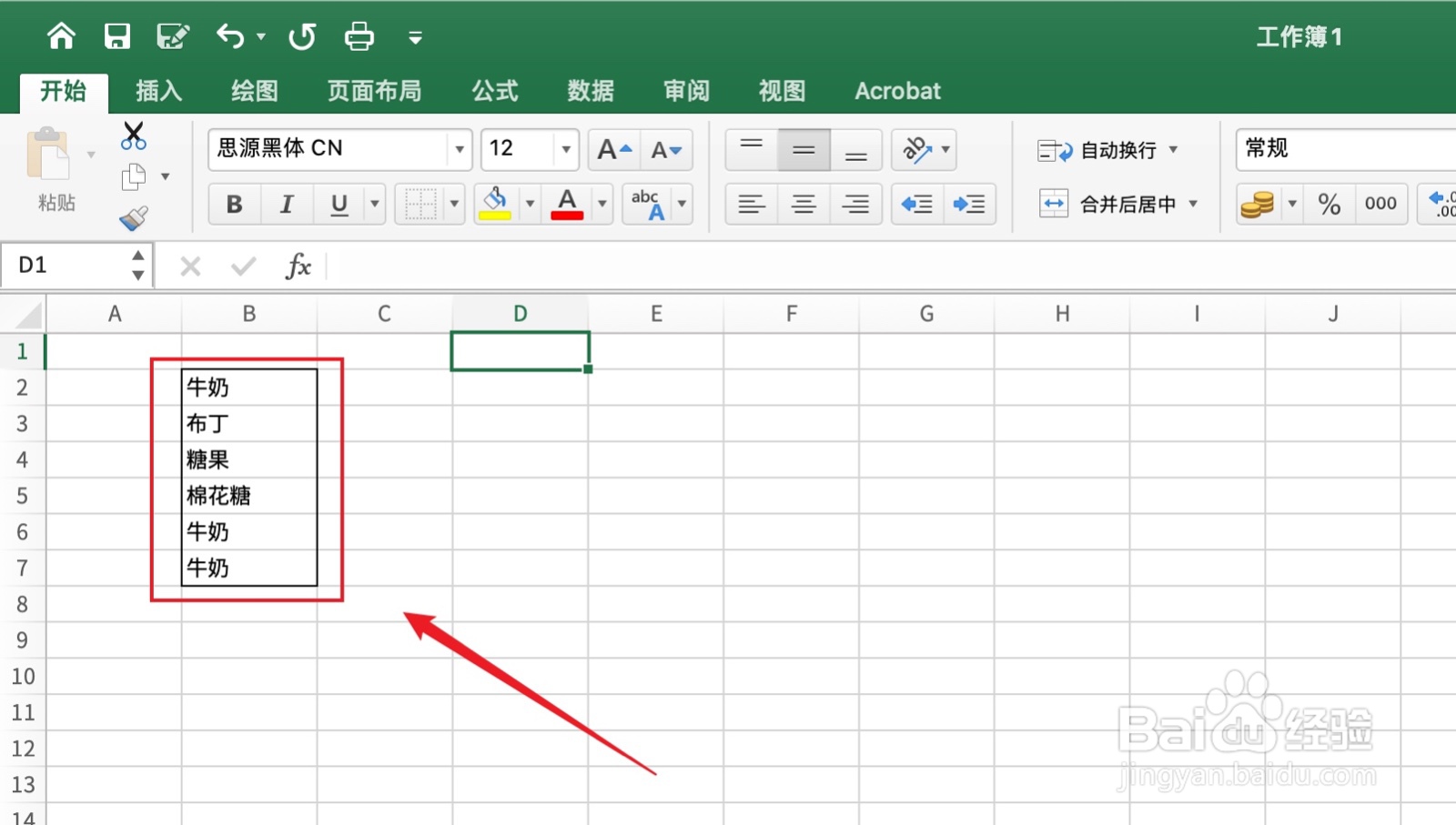
6、设置完成
excel表格边框线设置已完成。
1、框选单元格
框选需要的单元格。
2、点击设置单元格格式
用鼠标右键点击下面的【设置单元格格式】。
3、点击边框
点击上面的【边框】。
4、点击外边框
点击上面的【外边框】。
5、点击确定
点击右下角的【确定】。
6、设置完成
excel表格边框线设置已完成。