Excel中怎么插入柠檬3D模型

时间:2026-02-16 10:42:30

1、打开Excel文档,点击【插入】,选择【3D模型】

Excel中怎么插入柠檬3D模型

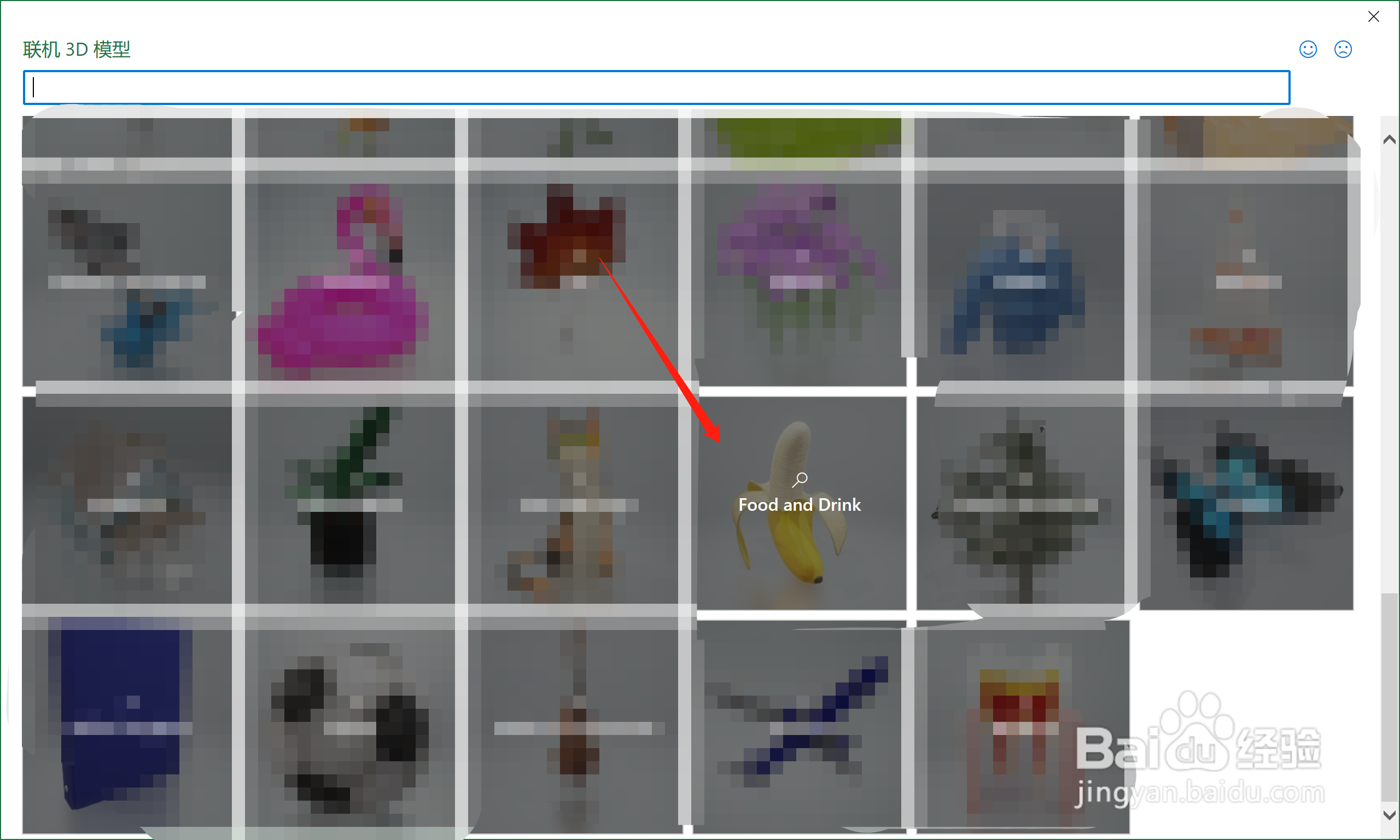
2、在【联机3D模型】中,找到【Food and Drink】,点击进入

Excel中怎么插入柠檬3D模型

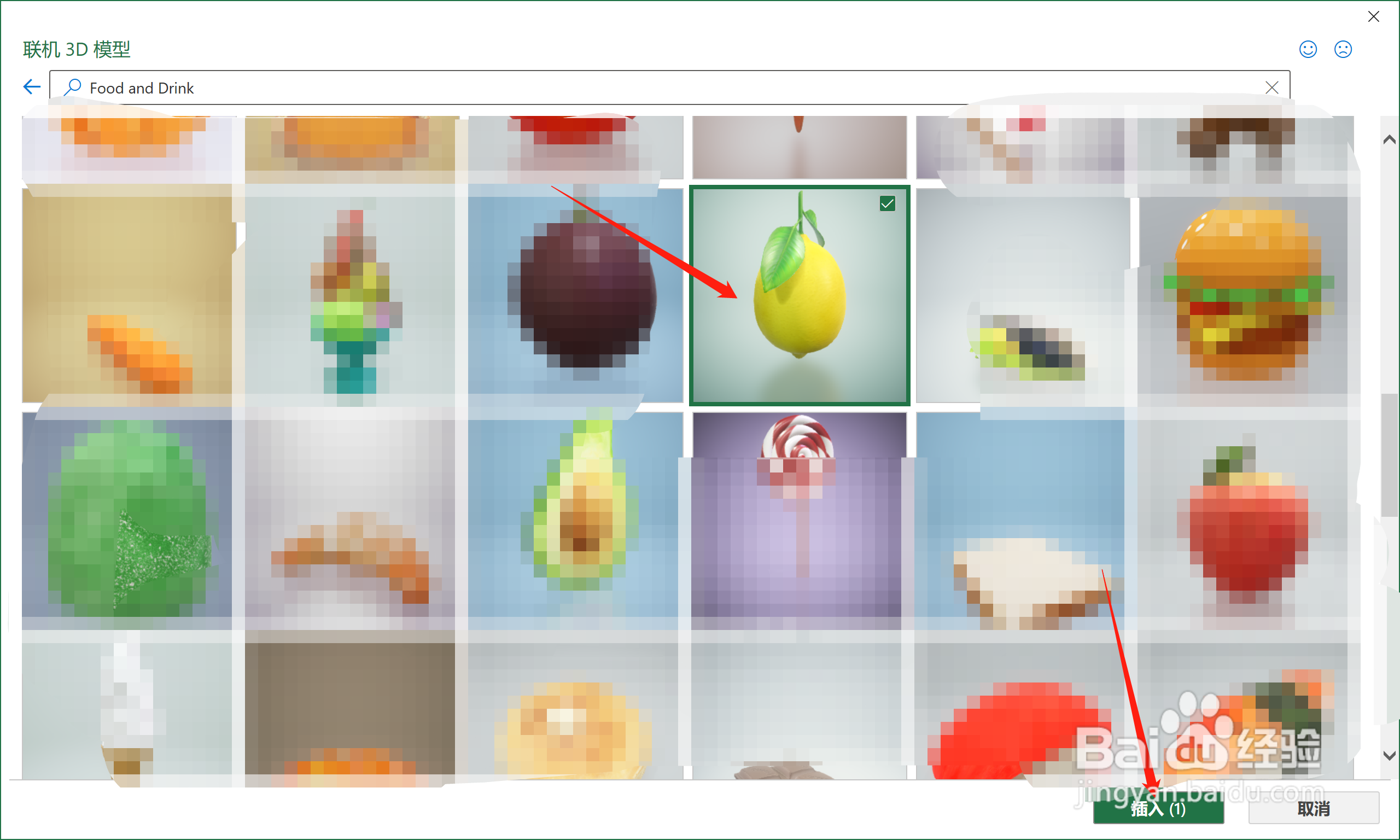
3、找到【柠檬】,点击【插入】

Excel中怎么插入柠檬3D模型

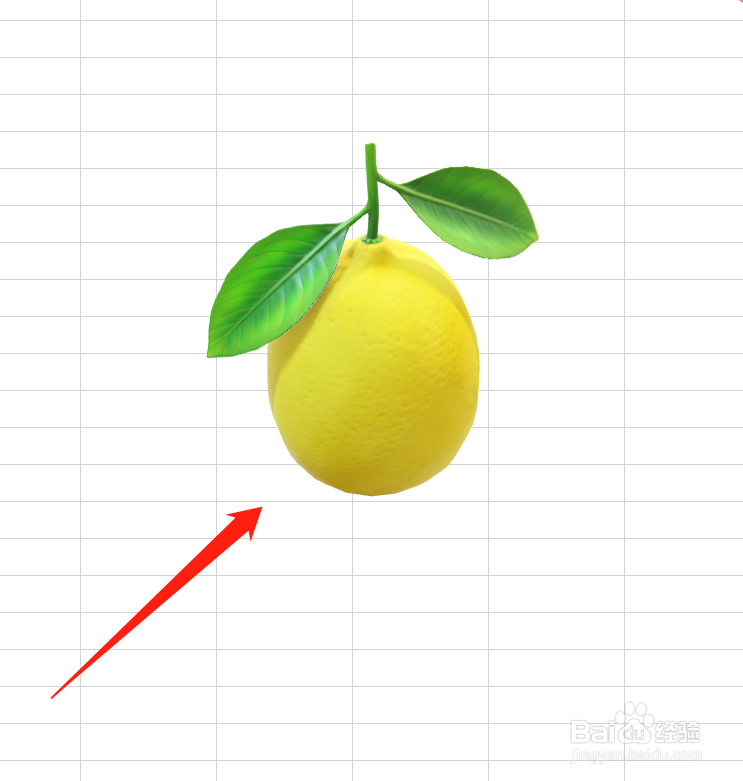
4、即可在Excel页面插入【柠檬3D模型】

Excel中怎么插入柠檬3D模型

© 2026 五度知识库
信息来自网络 所有数据仅供参考
有疑问请联系站长 site.kefu@gmail.com