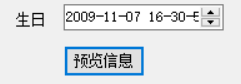
1、在窗体程序中已经添加好一个DateTimePicker控件以及一个预览信息的控件
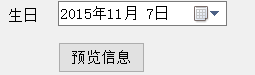
2、双击DateTimePicke 编写
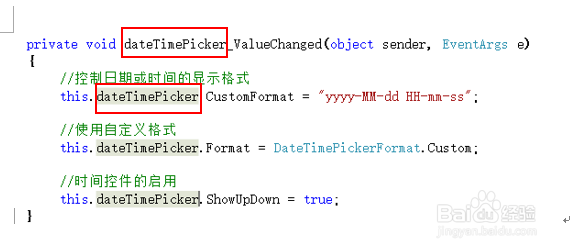
//控制日期或时间的显示格式 12小时制
this.dateTimePicker.CustomFormat = "yyyy-MM-dd hh-mm-ss";
或者//控制日期或时间的显示格式 24小时制
this.dateTimePicker.CustomFormat = "yyyy-MM-dd HH-mm-ss";
//使用自定义格式
this.dateTimePicker.Format = DateTimePickerFormat.Custom;
//时间控件的启用
this.dateTimePicker.ShowUpDown = true;
小编选择了24小时制

3、注意名称一致
4、双击button
设置显示时间
messagebox.show(dateTimePicker.value.toLongDatestring()+dateTimePicker.value.toLongTimestring())
5、执行结果