1、切换到python3的环境下

2、pip3 install kafka-python

3、创建生产者p.py
from kafka import KafkaProducer
producer = KafkaProducer(bootstrap_servers=['kafka-server:9092'])
for i in range(1,1001):
str1 = '{0}'.format(i)
future = producer.send('my_topic' , key= b'my_key', value= str.encode(str1), partition= 0)
result = future.get(timeout= 10)
print(result)

4、vim c.py
from kafka import KafkaConsumer
consumer = KafkaConsumer('my_topic', group_id= 'group2', bootstrap_servers= ['kafka-server:9092'])
for msg in consumer:
print(msg)

5、执行生产者python p.py
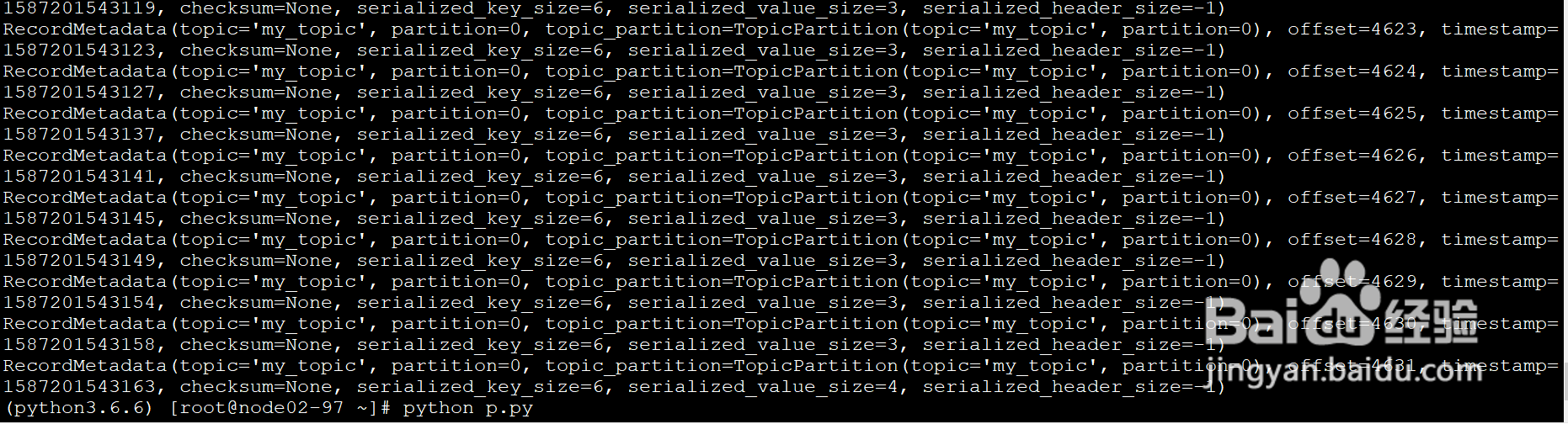
6、消费者进行消费
python p.py

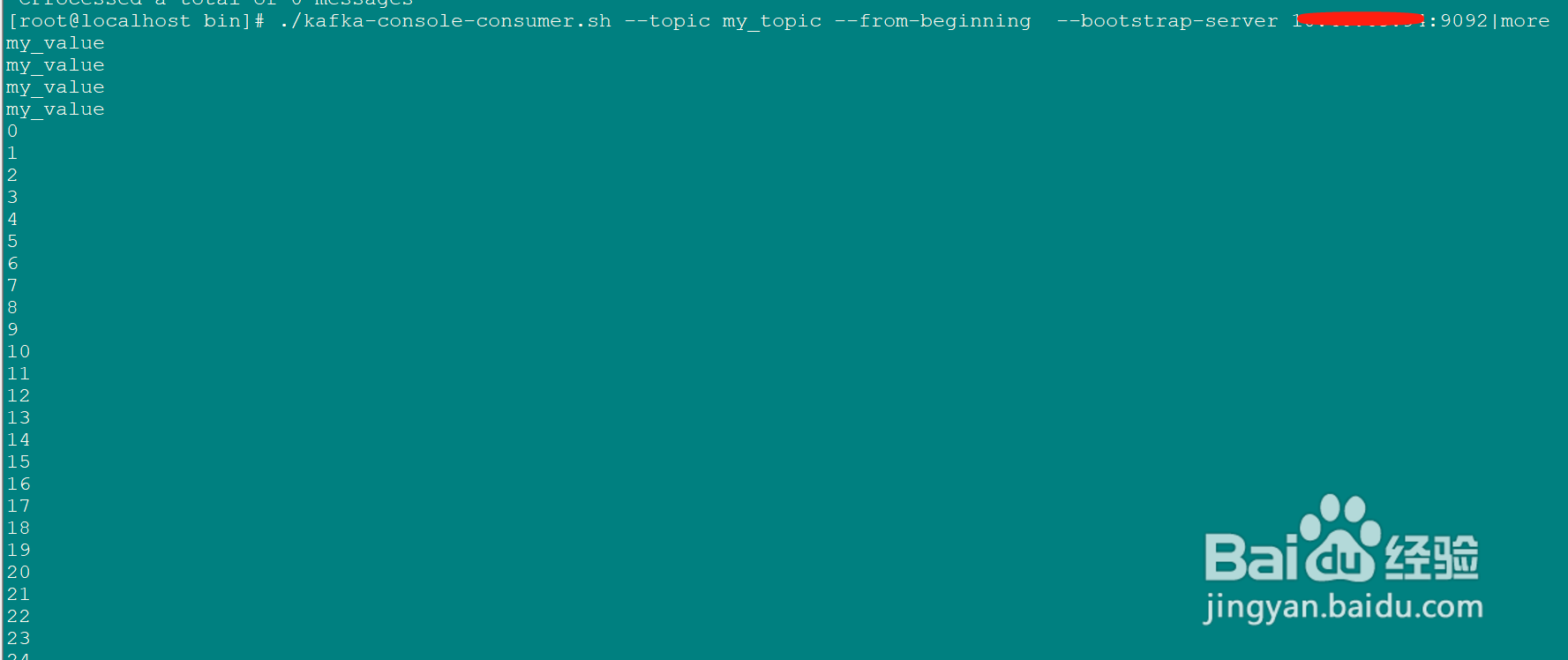
7、在kafka服务器上查看topic my_topic中的内容,就是1到1000
./kafka-console-consumer.sh --topic my_topic --from-beginning --bootstrap-server kafka-server:9092|more