BCompare怎么设置使用渐变色于中心背景

时间:2026-02-15 15:29:52

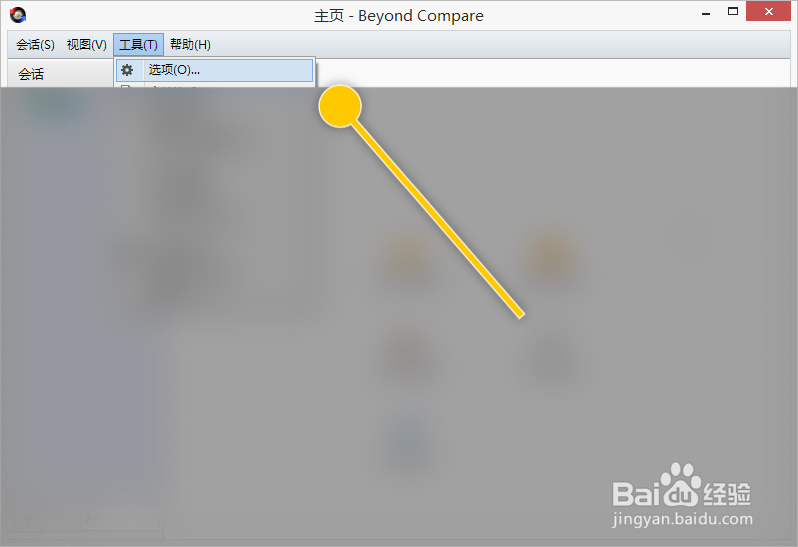
1、在“BCompare”主界面中,点击“工具 > 选项”菜单项。

BCompare怎么设置使用渐变色于中心背景

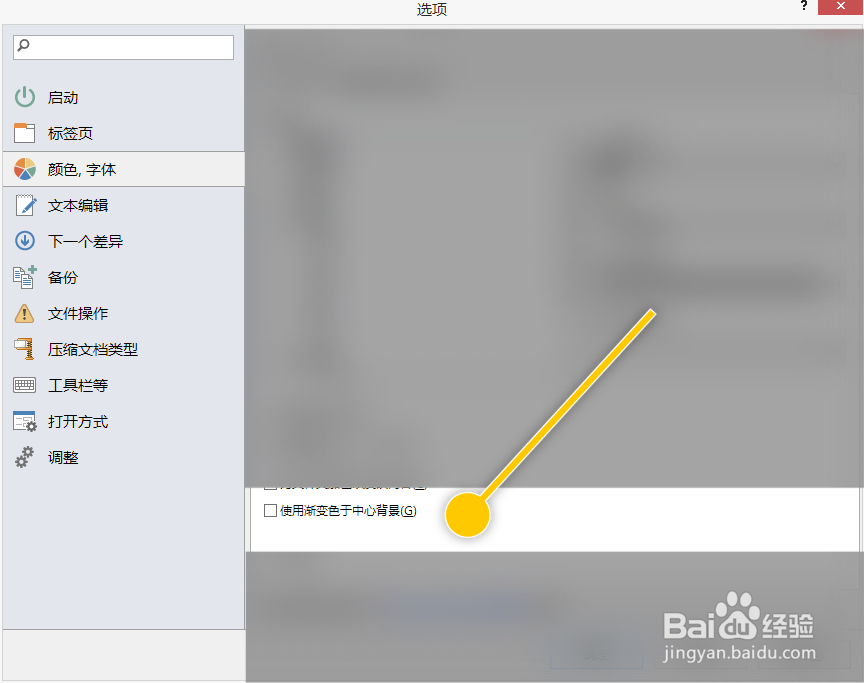
1、在“选项 > 颜色,字体”界面框中,勾选“使用渐变色于中心背景”选项的勾选开关。

BCompare怎么设置使用渐变色于中心背景

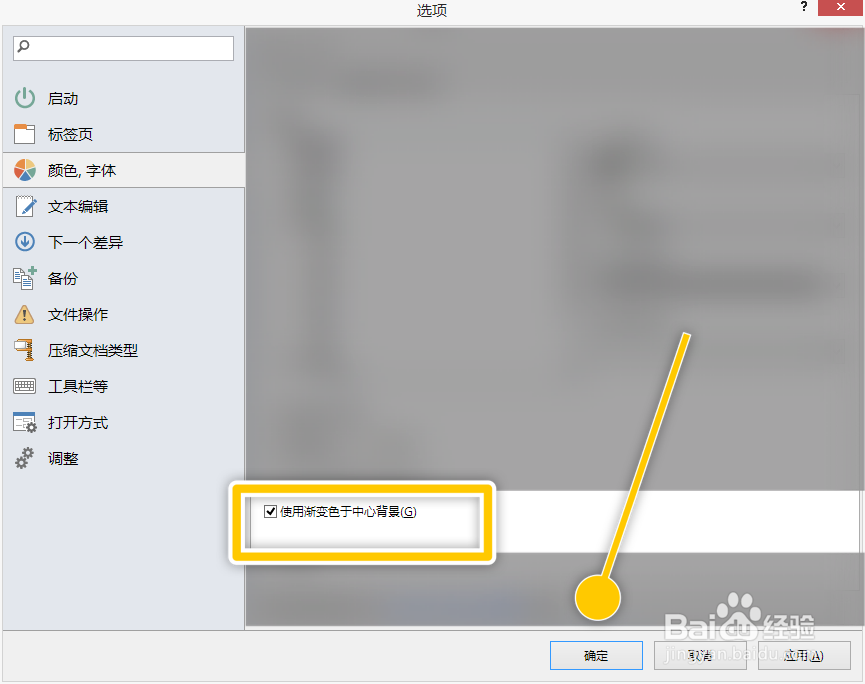
2、勾选“使用渐变色于中心背景”选项后,点击“确定”按钮。

BCompare怎么设置使用渐变色于中心背景

© 2026 五度知识库
信息来自网络 所有数据仅供参考
有疑问请联系站长 site.kefu@gmail.com