1、打开任务管理器,依次选取“文件”、“运行新任务”(注:需使用管理员身份创建这个任务);

2、在新建任务弹窗内输入”Powershell“ ,并按下“确定”按钮;

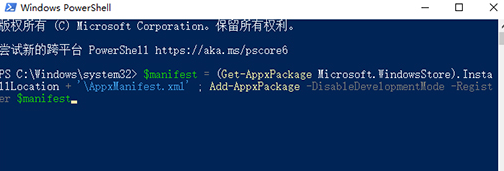
3、接着,在在Powershell中,输入以下两条命令:
$manifest = (Get-AppxPackage Microsoft.WindowsStore).InstallLocation + ‘\AppxManifest.xml’ ; Add-AppxPackage -DisableDevelopmentMode -Register $manifest
4、Get-AppXPackage -AllUsers |Where-Object {$_.InstallLocation -like “*SystemApps*”}(注:第二条命令需要点击回车);
