1、打开PowerPoint软件。

2、点击插入选项卡。

3、点击图表按钮。

4、点击饼图。
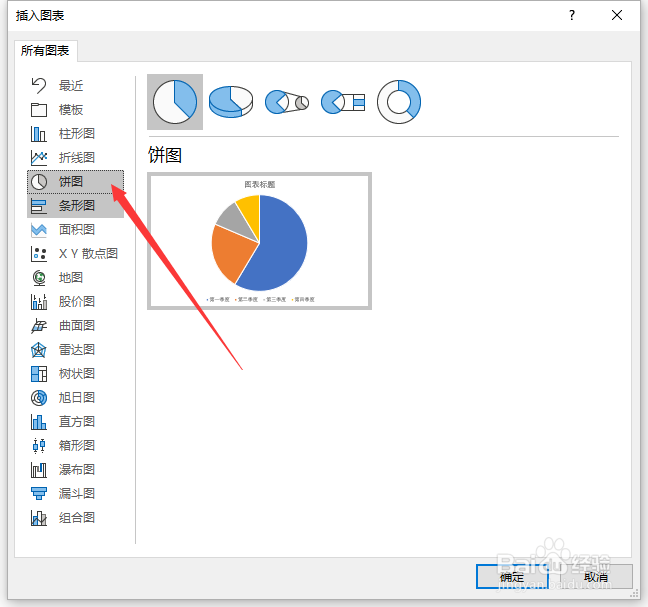
5、选择想要的饼图样式。
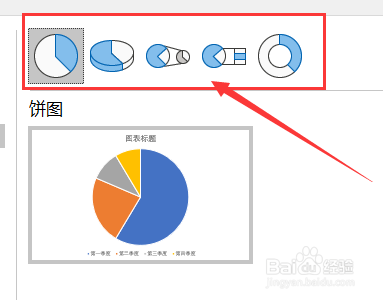
6、点击确定。

7、通过编辑表格中修改统计图中对应内容。
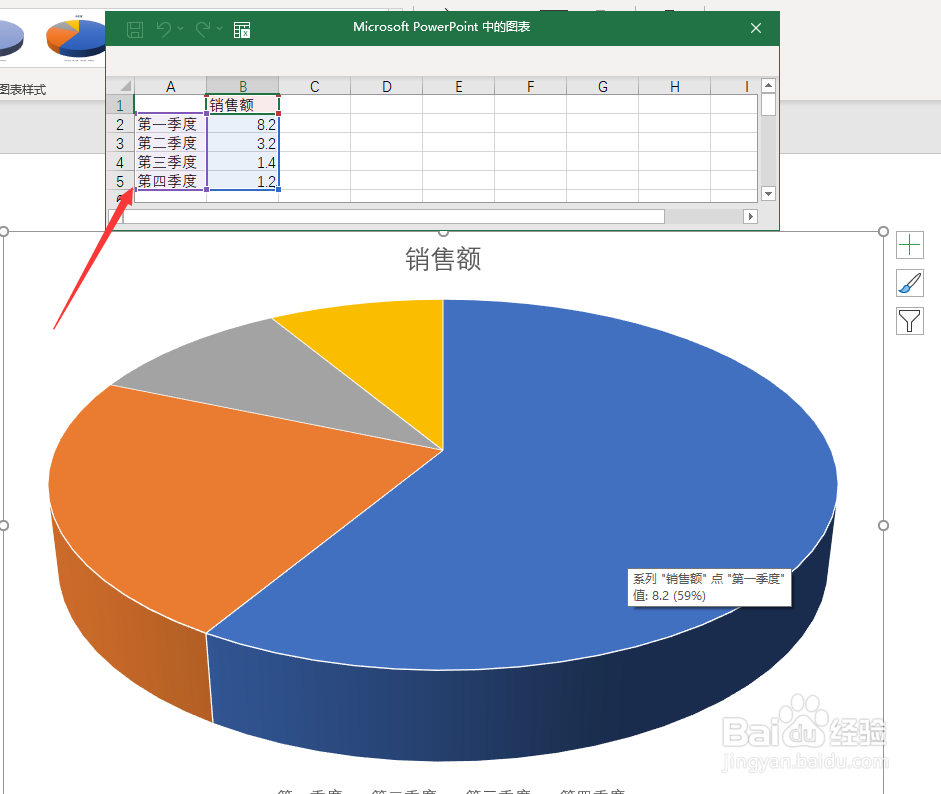
8、编辑好后关闭表格。

9、点击加号添加需要的图表元素。
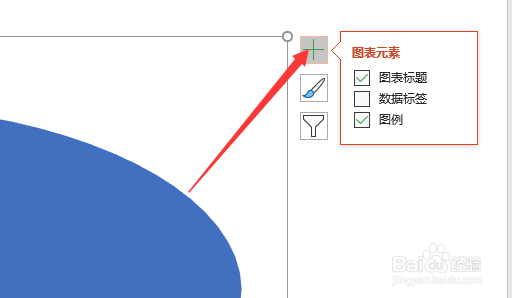
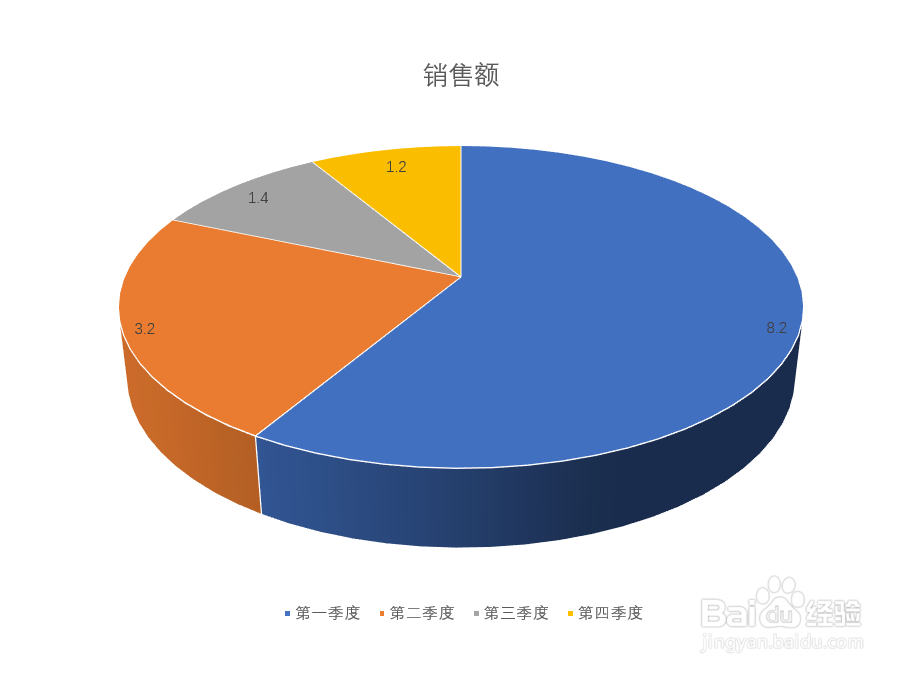
10、这样一个扇形统计图就做好了。
1、打开PowerPoint软件。
2、点击插入选项卡。
3、点击图表按钮。
4、点击饼图。
5、选择想要的饼图样式。
6、点击确定。
7、通过编辑表格中修改统计图中对应内容。
8、编辑好后关闭表格。
9、点击加号添加需要的图表元素。
10、这样一个扇形统计图就做好了。