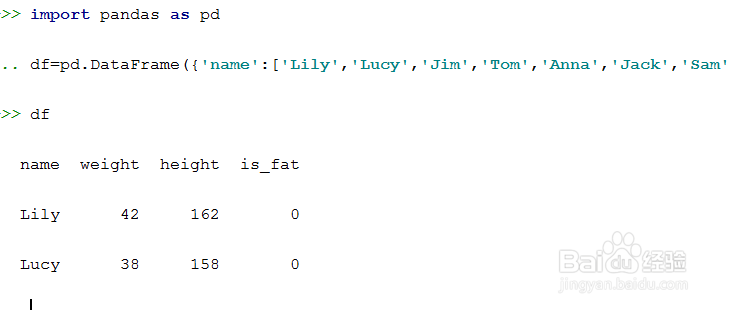
1、 利用pandas准备数据框数据。
import pandas as pddf=pd.DataFrame({'name':['Lily','Lucy','Jim','Tom','Anna','Jack','Sam'],'weight':[42,38,78,67,52,80,92],'height':[162,158,169,170,166,175,178],'is_fat':[0,0,1,0,1,0,1]})
2、导入sklearn工具包。
from sklearn.ensemble import RandomForestClassifier

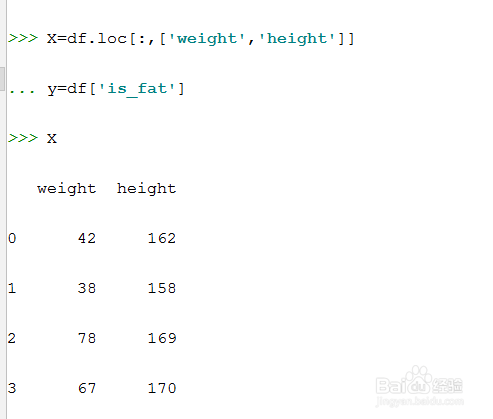
3、模型数据准备。
X=df.loc[:,['weight','height']]
y=df['is_fat']
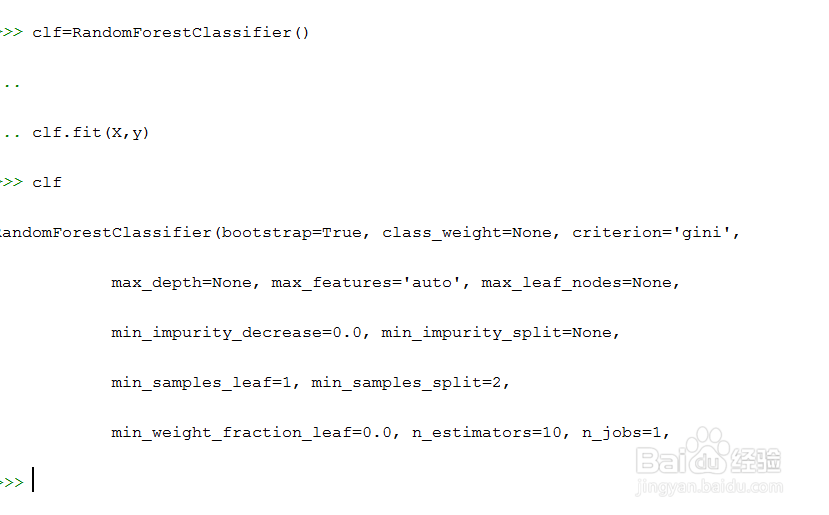
4、建立模型,并进行模型训练。
clf=RandomForestClassifier()
clf.fit(X,y)
5、获得变量权重。
X_importance=clf.feature_importances_
print(X_importance)
可以看到第一个变量'weight'的权重最高。

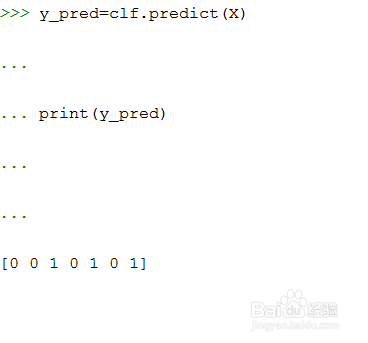
6、模型预测。
y_pred=clf.predict(X)
print(y_pred)
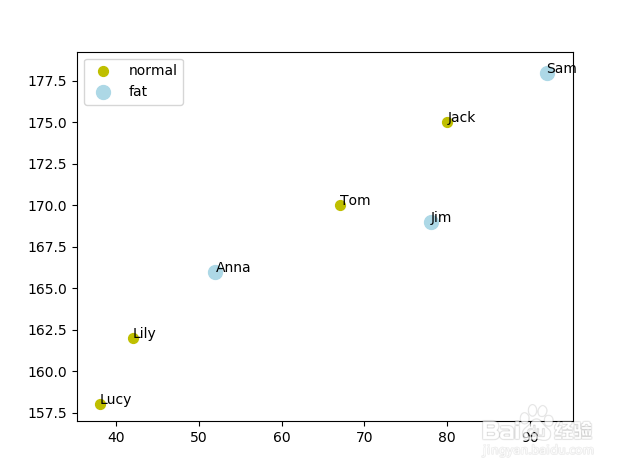
7、绘制预测结果图。
import matplotlib.pyplot as plt
plt.figure()
df['is_fat_pred']=y_pred
df_0=df[df['is_fat_pred']==0]
df_1=df[df['is_fat_pred']==1]
plt.scatter(df_0['weight'],df_0['height'],c='y',s=50,label='normal')
plt.scatter(df_1['weight'],df_1['height'],c='lightblue',s=100,label='fat')
for k in range(len(X)):
plt.text(X['weight'][k],X['height'][k],df['name'][k])
plt.legend()