1、do.....Loop:循环语句,直至满足条件后退出。
2、在VBE中编写代码:
Sub doLoop()
Dim a%
Do
a = a + 1
If a > 10 Then
Debug.Print ("a已经超过10了,该停止了!")
Exit Do
End If
Loop
End Sub
功能为:当a超过10时,将退出该程序。

3、运行该代码,运行11次时,将输出 a已经超过10了,该停止了!

4、接下来,将对Do....Loop 进行复杂案例说明:
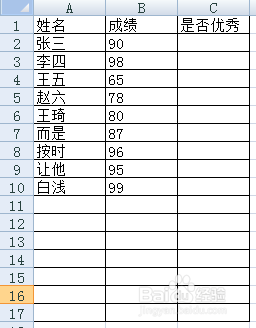
5、Excel界面的初始数据为:
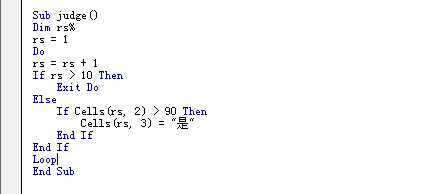
6、在VBE中编写如下代码:
Sub judge()
Dim rs%
rs = 1
Do
rs = rs + 1
If rs > 10 Then
Exit Do
Else
If Cells(rs, 2) > 90 Then
Cells(rs, 3) = "是"
End If
End If
Loop
End Sub
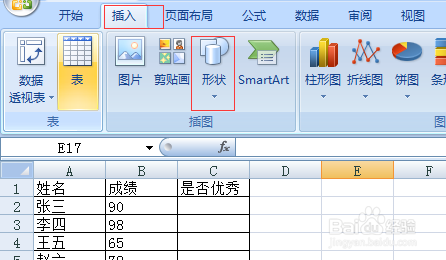
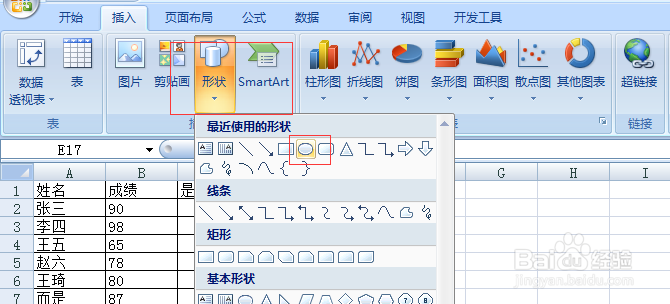
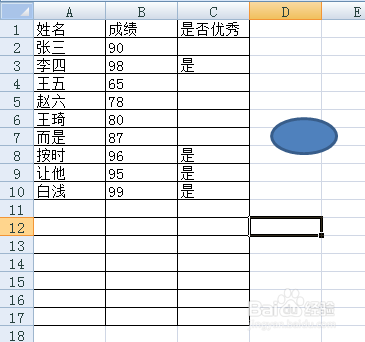
7、在Excel界面中指定宏,并运行代码,得到如下结果。
即:当分数超过90时,将在第三列中得到 是否为优秀的结果。
8、综上所述,本文说明了Do....Loop的使用说明,并结合Excel进行案例场景使用。