Windows 10无法打开文件夹、图片、word文档对策

时间:2026-02-15 15:43:56

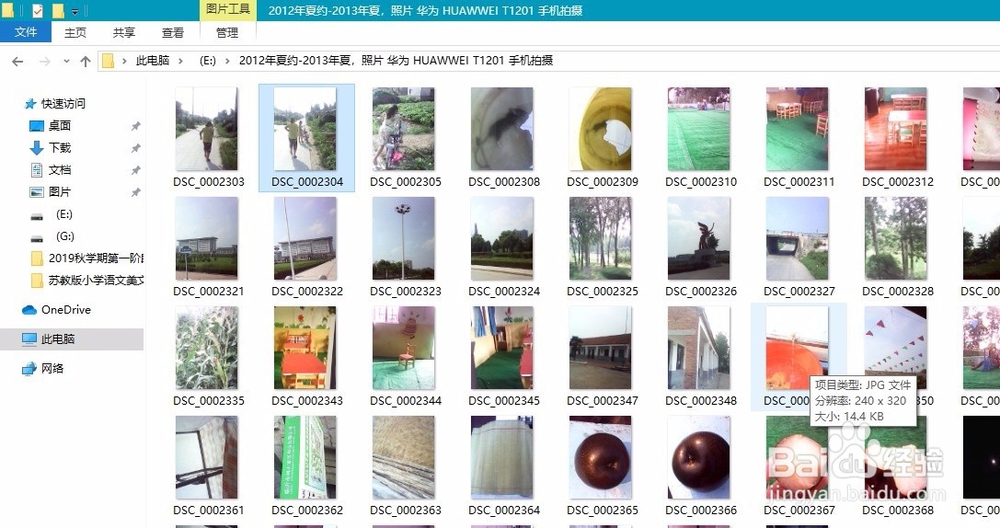
1、我的电脑E盘中的文件夹,双击,想打开时,提示:

Windows 10无法打开文件夹、图片、word文档对策

2、点击    继续

3、能打开文件夹了!

Windows 10无法打开文件夹、图片、word文档对策

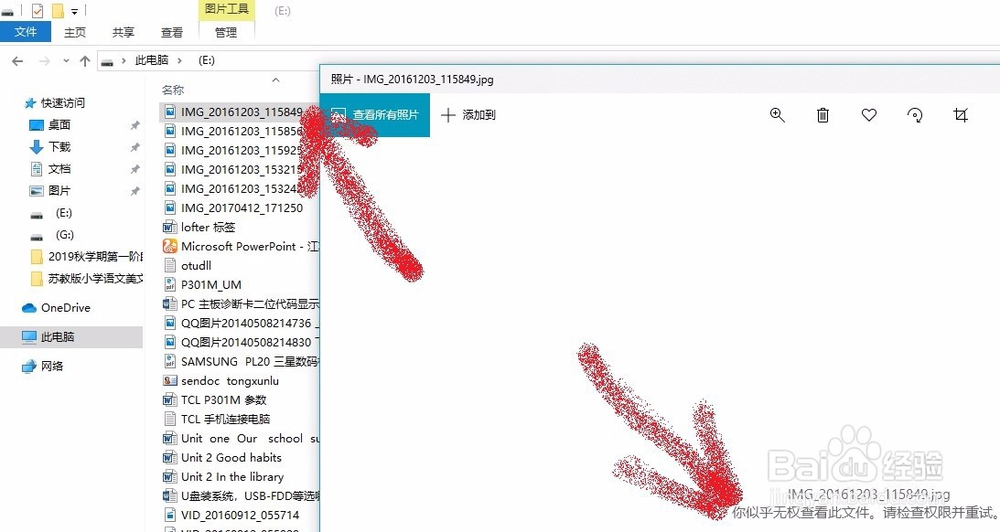
1、E盘中的图片,双击,想打开,提示:

Windows 10无法打开文件夹、图片、word文档对策

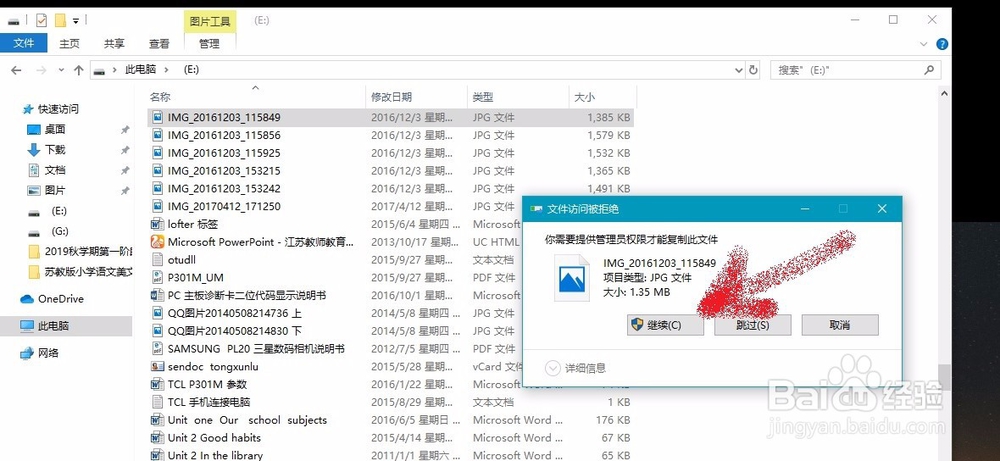
2、单击此图片,右击,复制,再粘贴到其他正常、普通的盘(里面的文件夹、文件能 打开的盘),如桌面上。

Windows 10无法打开文件夹、图片、word文档对策

3

Windows 10无法打开文件夹、图片、word文档对策

4、点击    继续

5、复制成功,且能预览了。

Windows 10无法打开文件夹、图片、word文档对策

6、确实能打开。

Windows 10无法打开文件夹、图片、word文档对策

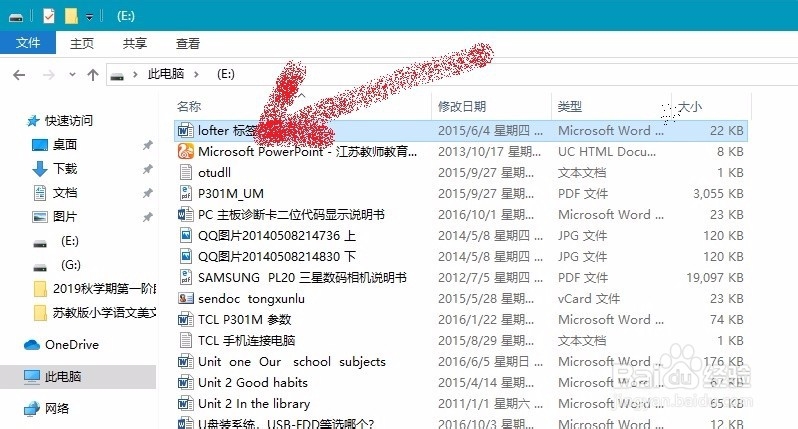
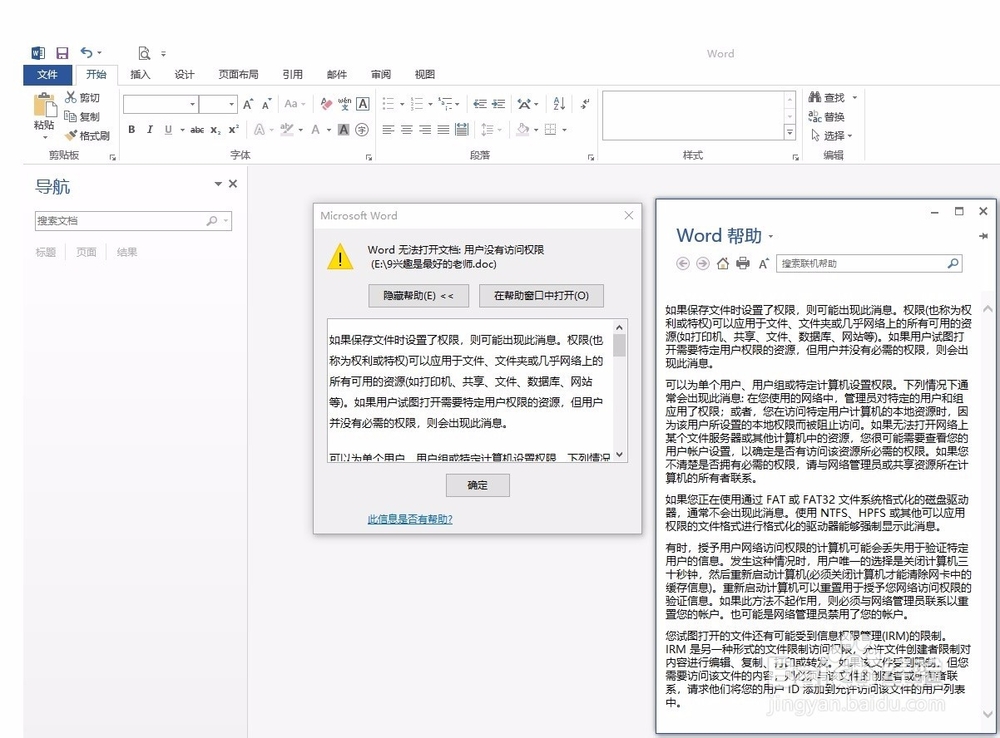
1、E盘中的word  文件,双击,想打开。

Windows 10无法打开文件夹、图片、word文档对策

2、出现提示:

Windows 10无法打开文件夹、图片、word文档对策

3、点击  帮助 ,不太好懂,更不会。

Windows 10无法打开文件夹、图片、word文档对策

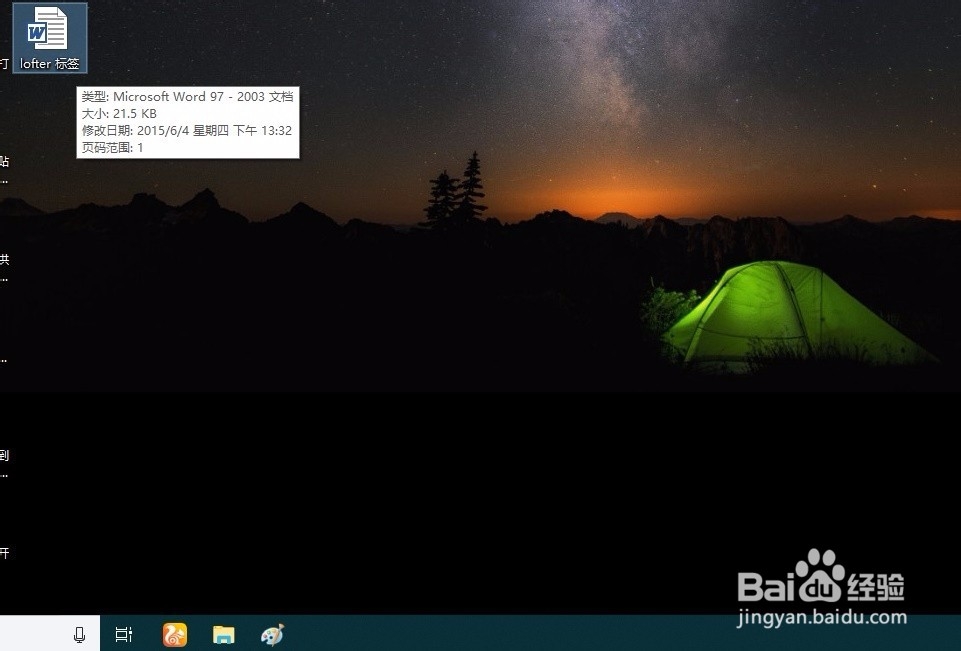
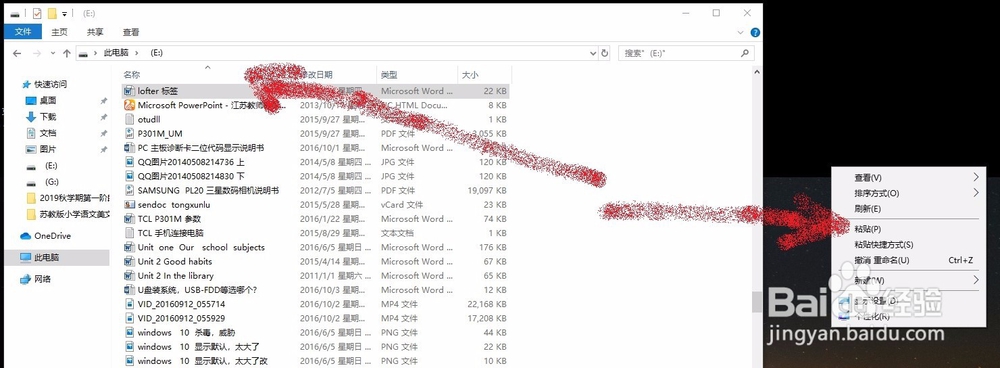
4、单击此图片,右击,复制,再粘贴到其他正常、普通的盘(里面的文件夹、文件能 打开的盘),如桌面上。
Windows 10无法打开文件夹、图片、word文档对策

5、出现提示:

Windows 10无法打开文件夹、图片、word文档对策

6、点击继续,复制成功。

Windows 10无法打开文件夹、图片、word文档对策

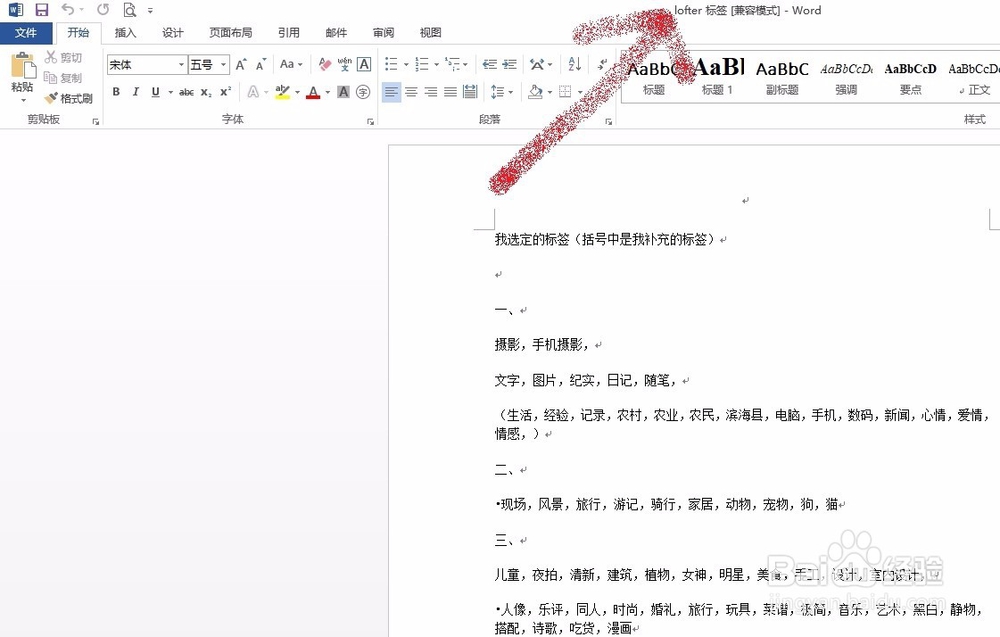
7、打开桌面上的复制过来的文档,成功。

Windows 10无法打开文件夹、图片、word文档对策

1、E盘中的  Excel  文件,双击,想打开。

Windows 10无法打开文件夹、图片、word文档对策

2、出现提示:

Windows 10无法打开文件夹、图片、word文档对策

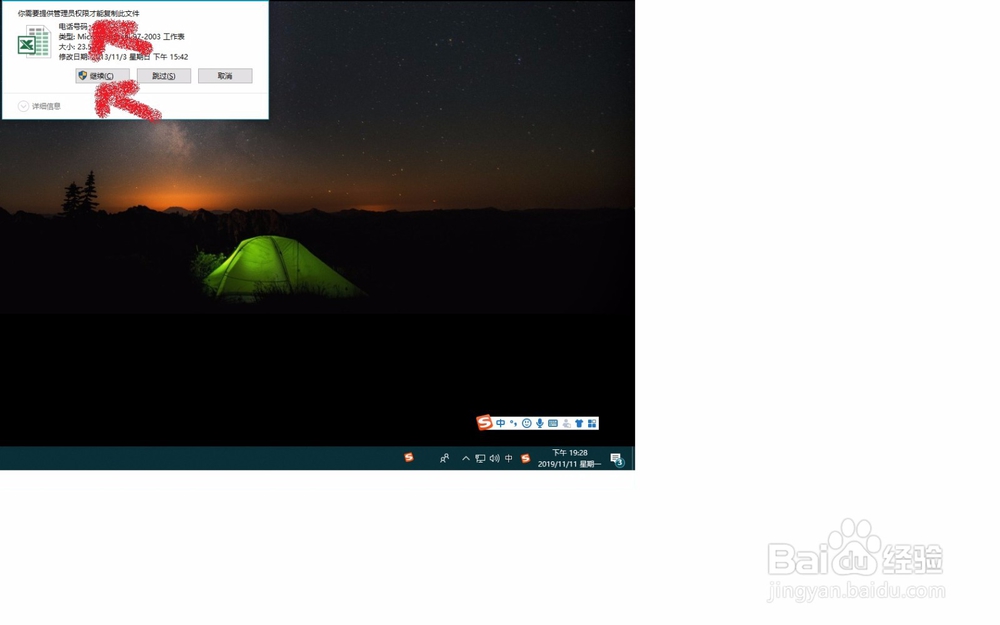
3、单击此图片,右击,复制,再粘贴到其他正常、普通的盘(里面的文件夹、文件能 打开的盘),如桌面上。

     出现提示:
Windows 10无法打开文件夹、图片、word文档对策

4、点击    继续。

5、粘贴成功。

Windows 10无法打开文件夹、图片、word文档对策

6、双击复制过来的电子表格,能打开。

© 2026 五度知识库
信息来自网络 所有数据仅供参考
有疑问请联系站长 site.kefu@gmail.com