1、首先登录wordpress后台。
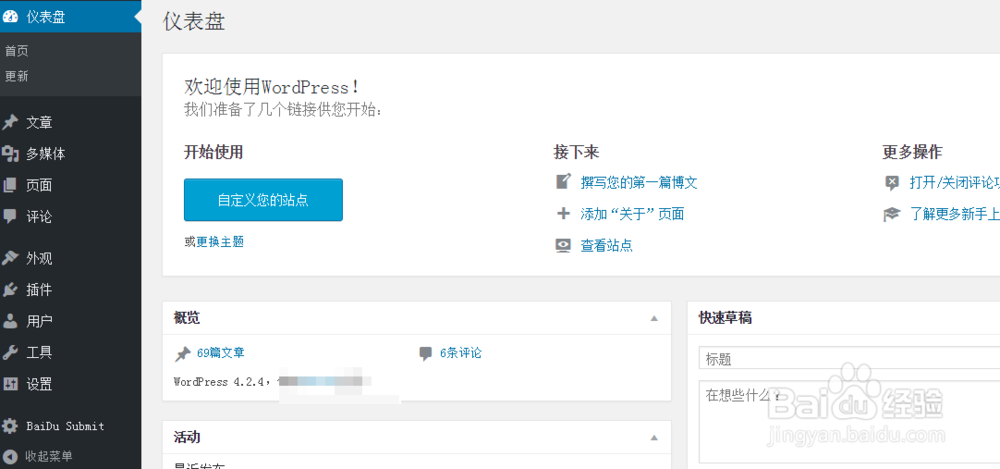
2、其次,打开模板编辑。
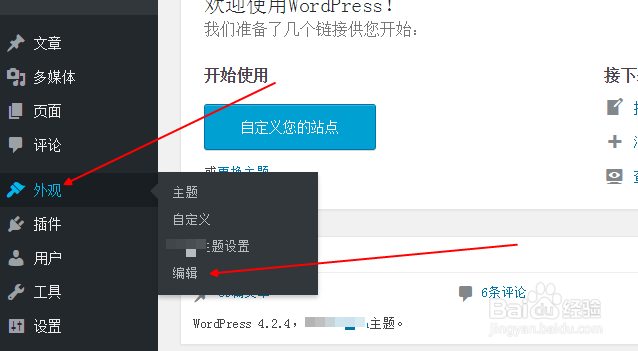
3、打开主题的functions.php文件。
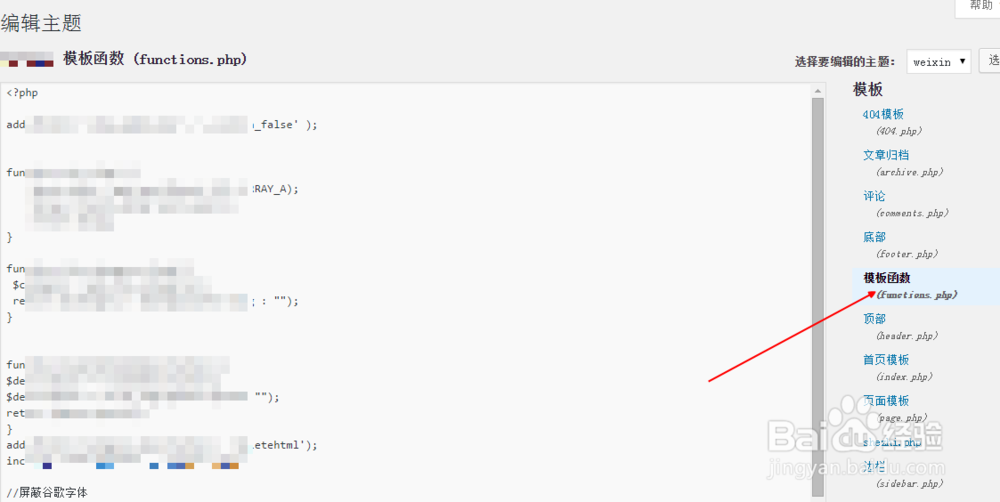
4、将下面代码加到主题的functions.php文件中:
function replace_text_wps($text){
$replace = array(
// '关键词' => '替换的关键词' 例如:
'wordpress' => '<a href="#">wordpress</a>',
'excerpt' => '<a href="#">excerpt</a>',
'function' => '<a href="#">function</a>'
);
$text = str_replace(array_keys($replace), $replace, $text);
return $text;
}
add_filter('the_content', 'replace_text_wps');
add_filter('the_excerpt', 'replace_text_wps');