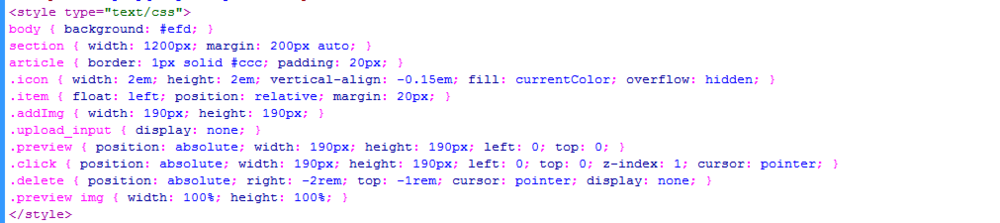
3、书写css代码。<style type="text/css">body { background: #efd; }section { width: 1200px; margin: 200px auto; }article { border: 1px solid #ccc; padding: 20px; }.icon { width: 2em; height: 2em; vertical-align: -0.15em; fill: currentColor; overflow: hidden; }.item { float: left; position: relative; margin: 20px; }.addImg { width: 190px; height: 190px; }.upload_input { display: none; }.preview { position: absolute; width: 190px; height: 190px; left: 0; top: 0; }.click { position: absolute; width: 190px; height: 190px; left: 0; top: 0; z-index: 1; cursor: pointer; }.delete { position: absolute; right: -2rem; top: -1rem; cursor: pointer; display: none; }.preview img { width: 100%; height: 100%; }</style>
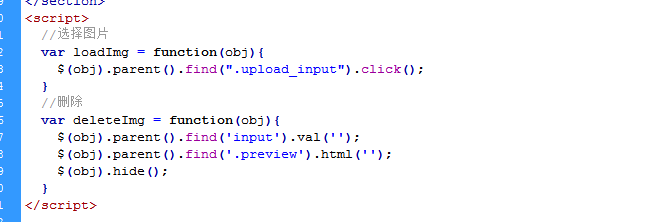
4、书写并添加js代码。<script> //选择图片 var loadImg = function(obj){ $(obj).parent().find(".upload_input").click(); } //删除 var deleteImg = function(obj){ $(obj).parent().find('input').val(''); $(obj).parent().find('.preview').html(''); $(obj).hide(); }</script>
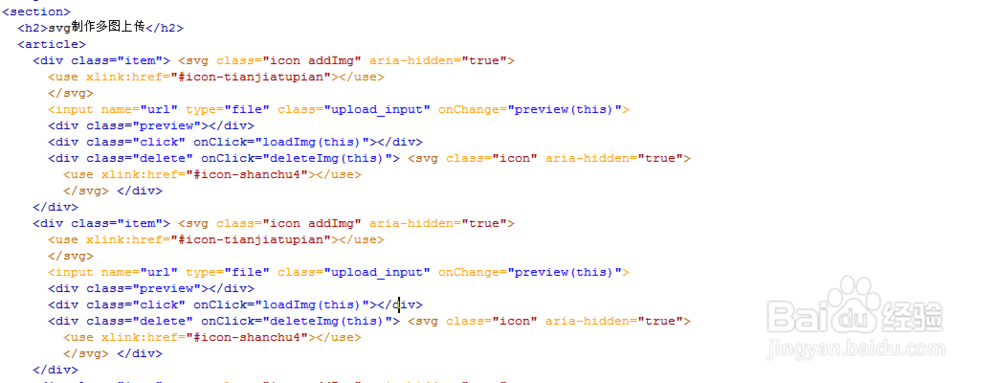
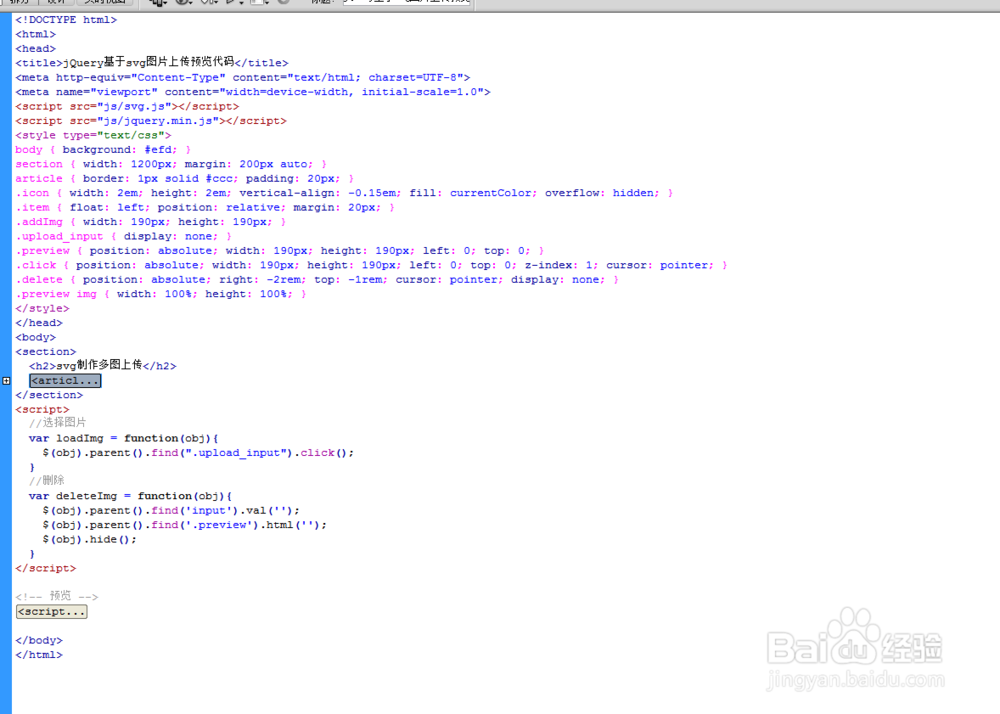
5、代码整体结构。
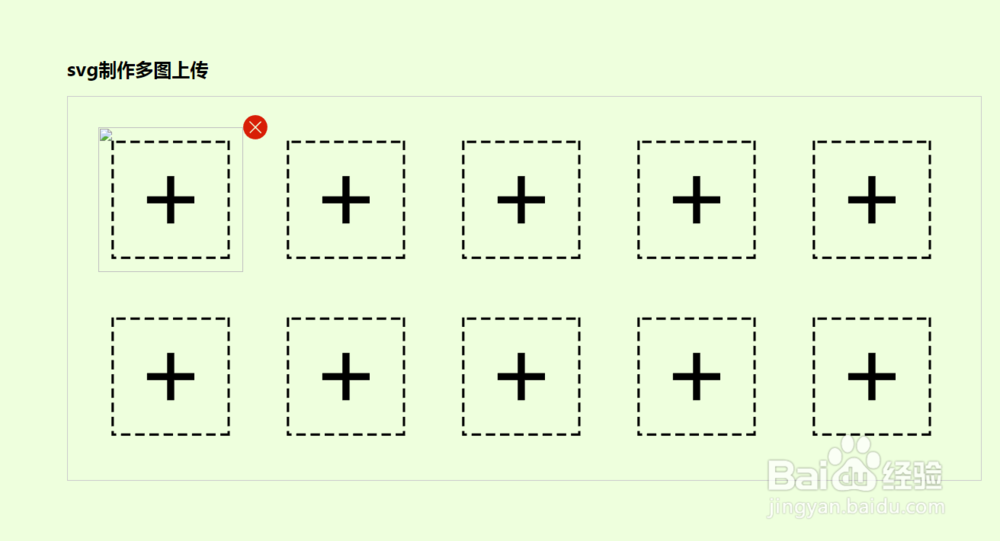
6、查看效果。