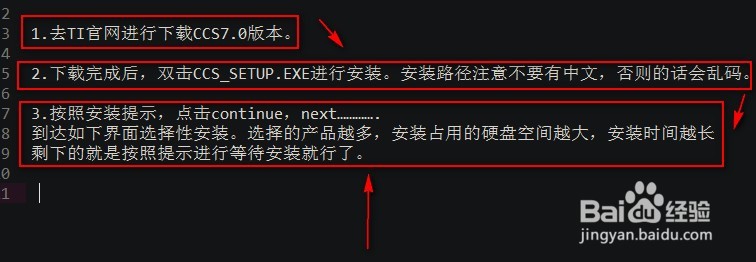
1、1.首先去安装css7.0,请看下面安装步骤:
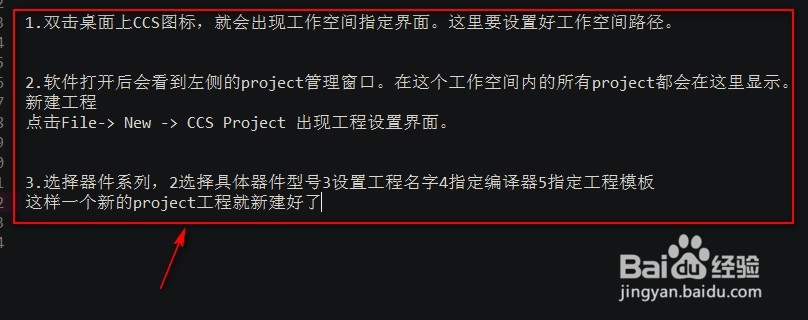
2、2.新建软件的工程步骤:
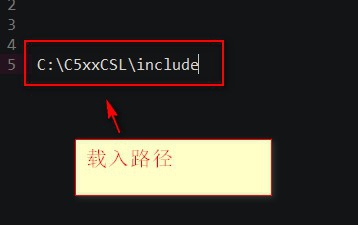
3、3..命令步骤:properties ->Build ->C5500 Compiler-> Include Options -> Add dir to #include path
载入路径
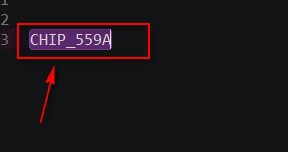
4、4.命令:Properties ->Build->C550 Compiler->Advanced Options ->Predefined Symbols
5、5.载入文件命令:Properties ->Build->C5500 Linker ->File Search Path -> Include library file
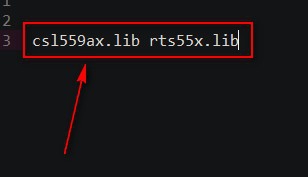
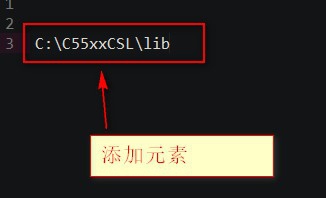
6、6.添加元素命令:Properties ->Build->C5500 Linker ->File Search Path ->Add <dir> to library